Technical Tip: Logging pages are not responding and keep loading
Description
This article describes how to troubleshoot issues where the logging page keeps loading and does not respond.
Scope
FortiWeb, FortiWeb-VM.
Solution
FortiWeb logging pages may hang and only keep loading the page and spinning. This can happen on either of the three logging pages, or on all of them (Attack, Event and Traffic).
The logging page looks like this when the issue occurs:
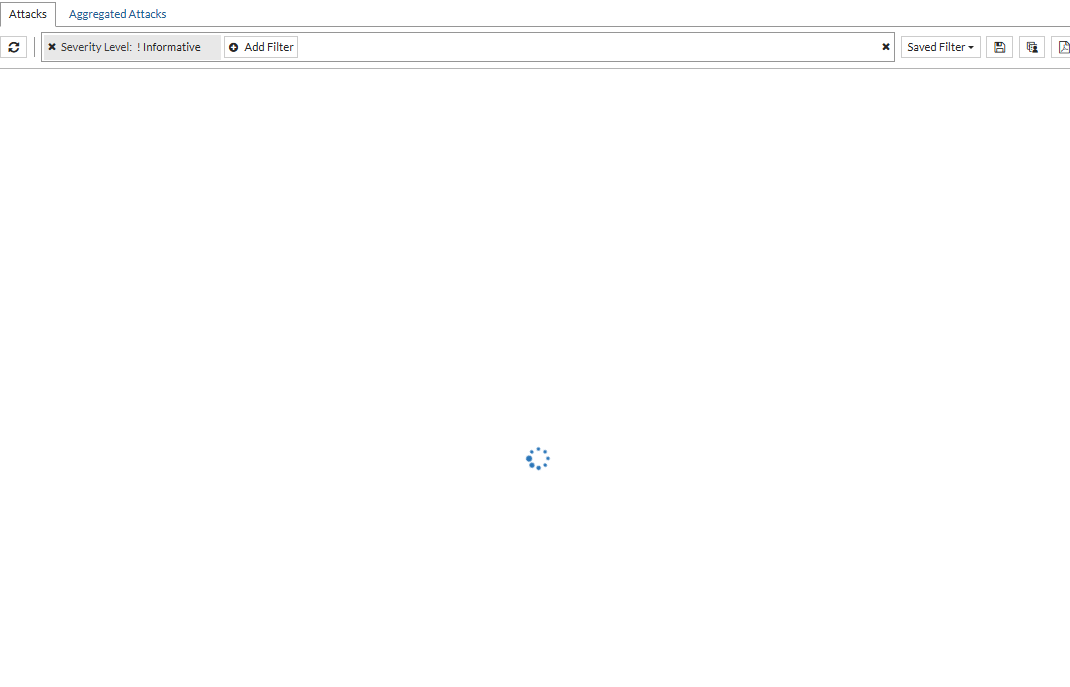
This may be a GUI issue or a Logdisk issue. Follow these steps to narrow down the problem:
Open the FortiWeb window in Incognito mode or clear browser cache or test on another laptop/desktop. If the issue still persists, move to step 2, as this may not be a GUI issue.
Capture debug logs for the logd demon by running the following commands, and examine the output for errors. These commands can be found in Common troubleshooting methods for issues that Logs cannot be displayed on GUI.
diagnose debug application logd 7
diagnose debug application indexd 7
diagnose debug enable
If any errors are seen, copy the logs and raise a ticket with Fortinet Support in the Support Portal. The Fortinet TAC team will perform a deeper analysis.
If there are no errors, try to rebuild the database with the following commands:
execute db rebuild
For more info on this command, refer to db rebuild.
If the issue is not resolved after a DB rebuild, raise a ticket with Fortinet Support in the Support Portal and collect the output of the following debug commands as well:
fn df
fn dmesg
fn ls -l /var/log/fwlog/root/disklog/
diagnose system ps | grep logd
diagnose system ps | grep indexd
diagnose system ps | grep mysqld
Note: To run the fn commands, the admin must log in with the default super user credentials, using the username 'admin'.