Technical Tip: How to check for information related to a specific WAF Signature ID update or modification on the FortiGuard Labs portal
Description
This article describes on how to check for information related to a specific WAF Signature ID update or modification on the FortiGuard Labs portal.
Scope
FortiWeb and FortiWeb VM.
Solution
Got to FortiGuard Labs
Select the search icon at the top right of the portal.

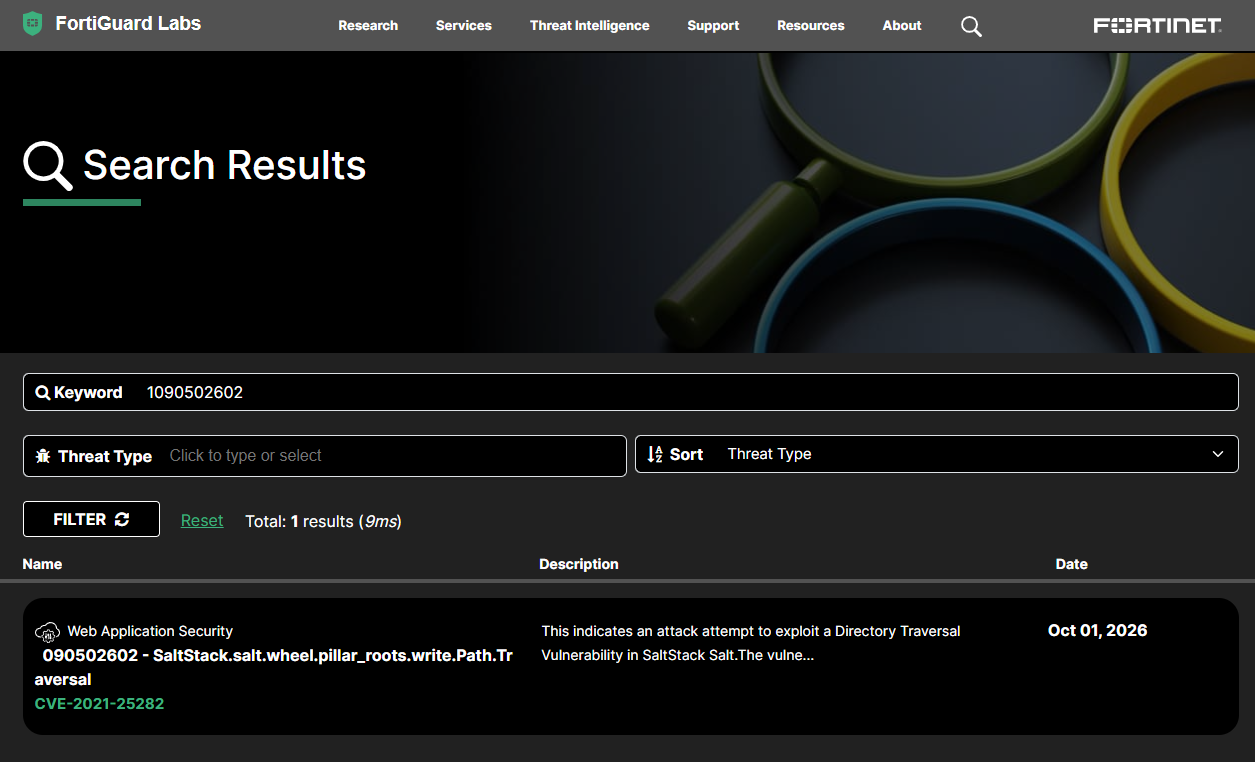
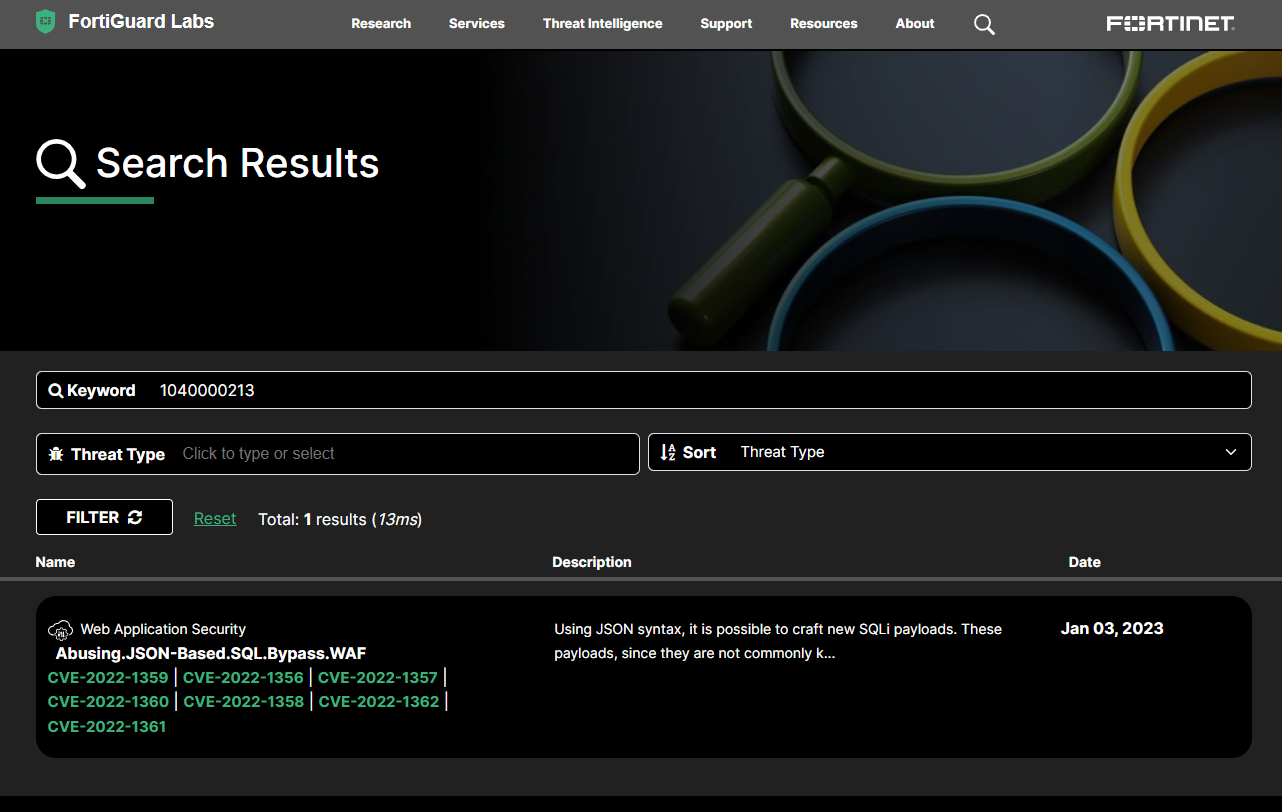
Enter the Signature ID and prefixes it with 1 and select search

Example 1: Signature ID 040000213

Example 2: Signature ID 090502602