


Resolve web secret session disconnection when Session Recording is enabled
Description
A solution for Web Secrets' session disconnection when Session Recording is enabled.
Scope
FortiPAM.
Solution
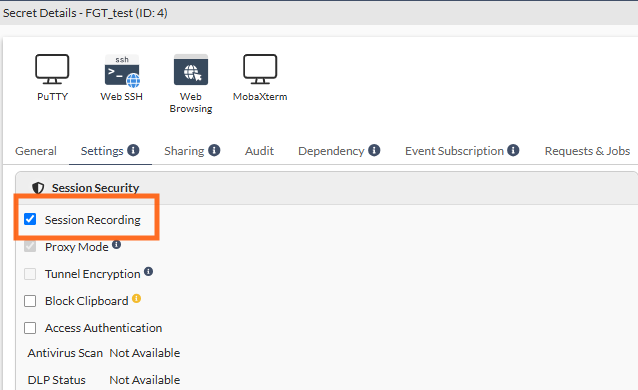
In this scenario, the web secret launches as expected while Session Recording is disabled in the required secret settings.
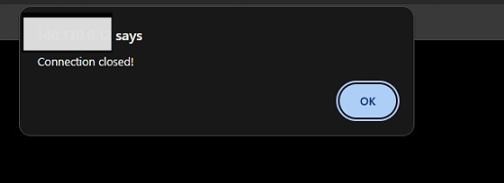
However, when Session Recording is enabled, the launcher stops working with the following error:
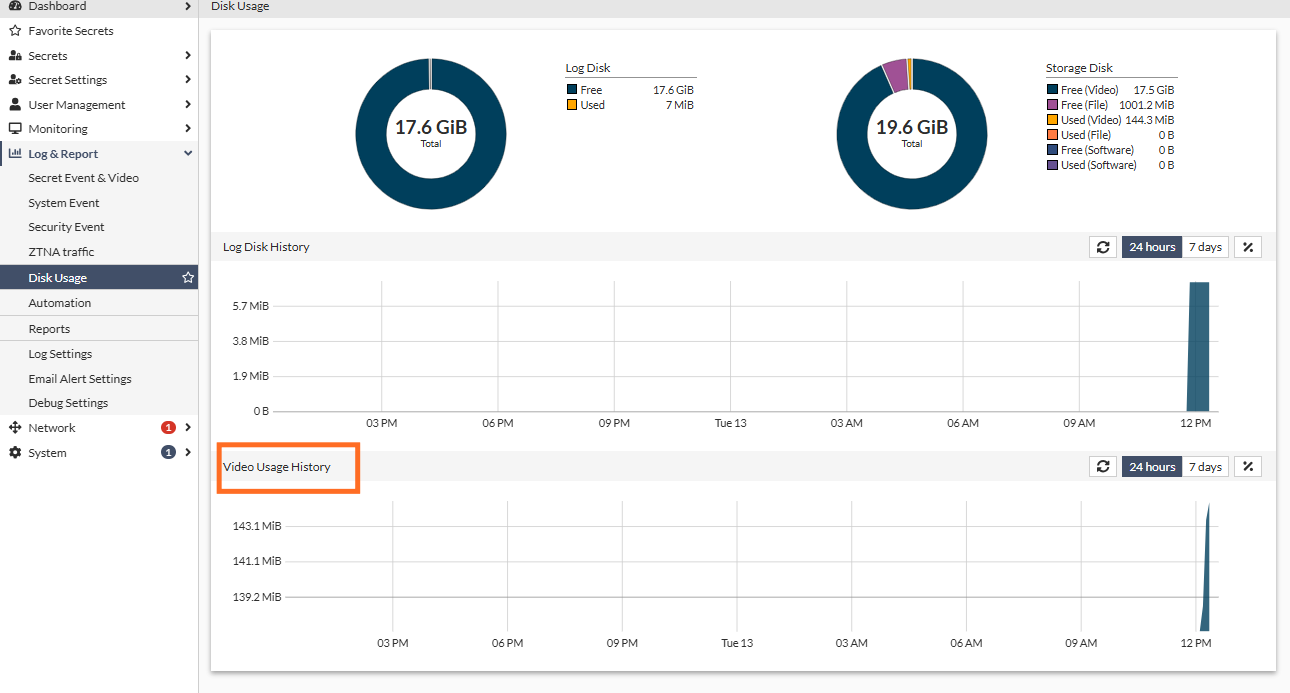
To troubleshoot this issue, verify that sufficient disk storage is available for video recordings. Disk usage can be checked from the FortiPAM GUI under Log & Report -> Disk Usage.
Additionally, the disk allocation can be verified from the CLI using the following command:
execute disk list
If no disk is allocated for video storage and only the log partition is present, Session Recording cannot write the recording data. In this scenario, WEBRDP sessions may terminate when Session Recording is enabled because no storage location is available for video files.
To resolve the issue, add an additional storage disk to the FortiPAM virtual machine (Hyper-V deployment) and allocate it for VIDEO storage. Once the additional disk is added and recognized by the system, verify that VIDEO storage is available and confirm that Session Recording functions correctly.
The expected disk allocation should be visible through both the GUI and CLI, with dedicated storage assigned for video recordings as below:
Example CLI output:
FPAVULTM0008800 # execute disk list
Disk HD1 ref: 16 20.0GiB type: IDE [] dev: /dev/vdb
partition ref: 17 19.6GiB, 19.5GiB free mounted: Y label: LOGUSEDXAF0C8624 dev: /dev/vdb1 start: 10240
Disk HD2 ref: 32 20.0GiB type: IDE [] dev: /dev/vdc
partition ref: 33 19.6GiB, 19.4GiB free mounted: Y label: PAMVIDEOD07CAE87 dev: /dev/vdc1 start: 10240
