


Delete an object which is not used on any policy and cannot be deleted due to no write permission error
Description | How to delete firewall objects that failed to delete due to a 'no write permission' error, as well as objects not used on any policy package. |
Scope | FortiManager. |
Solution | In some cases, a firewall object cannot be deleted from FortiManager even when it is not used anywhere in a policy package. The reason is that the object was used on a deleted policy within the policy package and still has a reference to this policy package.
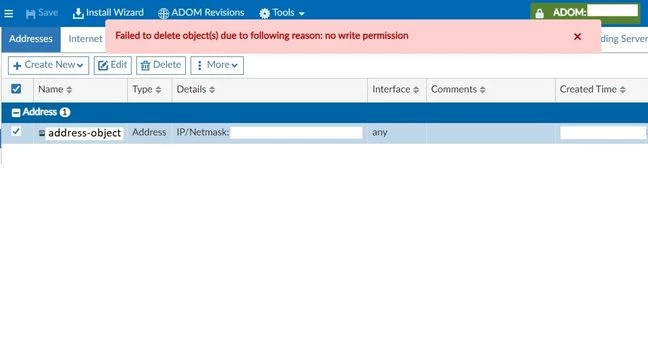
When trying to delete the object, the following error appears:
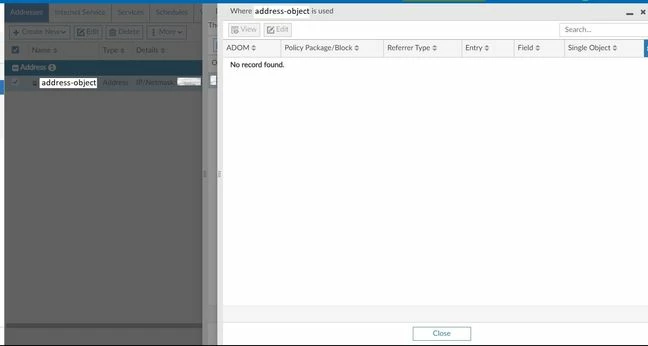
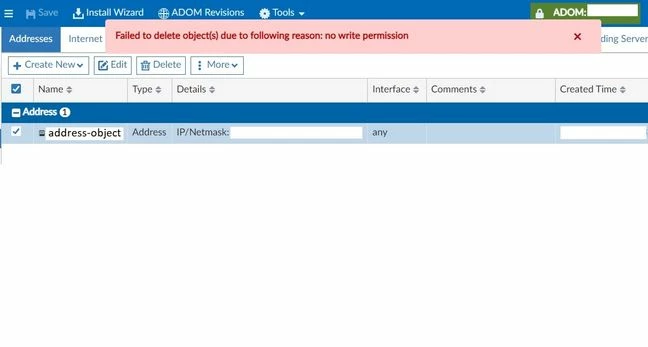 However, when checking where this object is being used, it shows No record found:
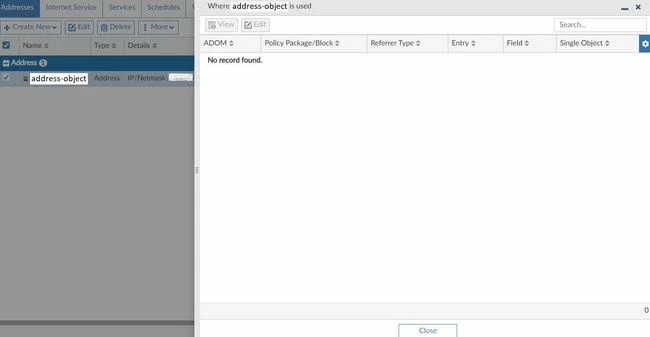
Proceed to delete the object, and the following confirmation message will appear:
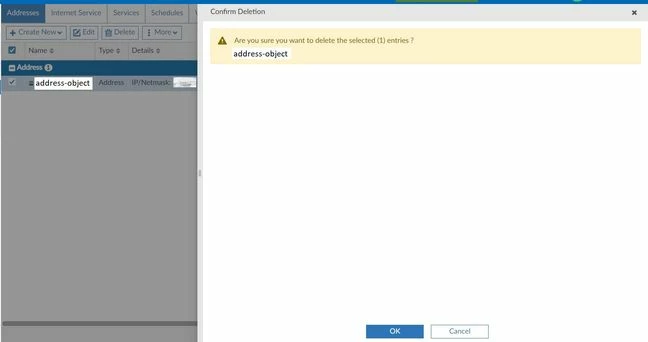
Upon selecting OK, the following screen will show a message indicating that the object is used, even though the object is not used on any policy.
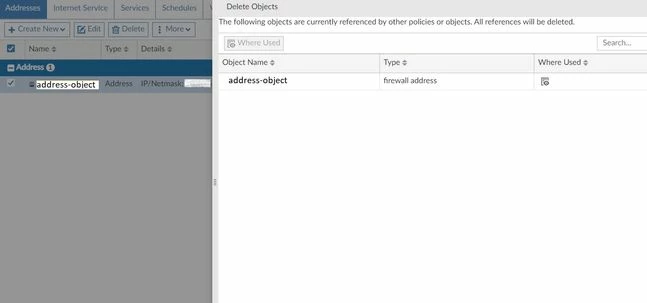
Selecting 'Where used' again indicates that the object is not associated with any configuration.
Selecting Delete Anyway will result in the following error message as the object has references to deleted policies:
Use the following command to remove invalid policy references:
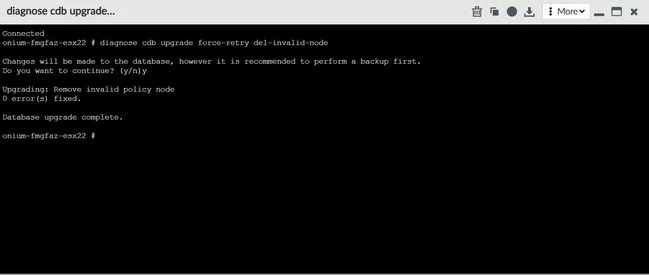
Next, the object can be deleted from the GUI after the invalid reference has been removed.
This command exists starting from FortiManager versions 7.2.6, 7.4.4, 7.6.0, and above. Related documents: |
