Technical Tip: MFA on FortiMail for webmail and admin login
| Description | This article describes how to enable MFA for admin and webmail login using FortiMail and FortiAuthenticator (RADIUS). |
| Scope | FortiMail. |
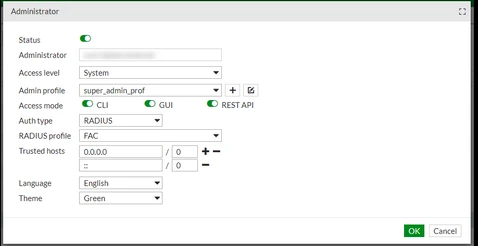
| Solution | To enable MFA/OTP on FortiMail, it is necessary to have a RADIUS server integrated with FortiMail as an authentication server (in this example, FortiAuthenticator v6.4.6 is used):
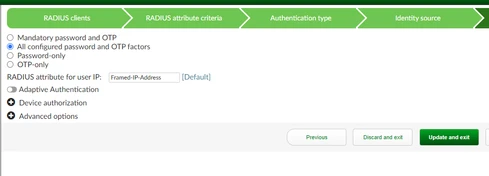
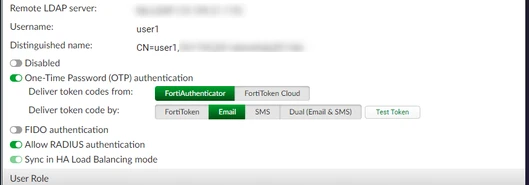
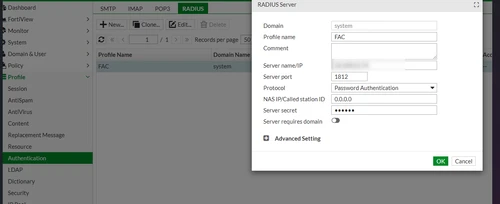
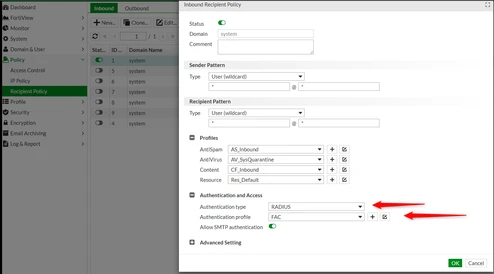
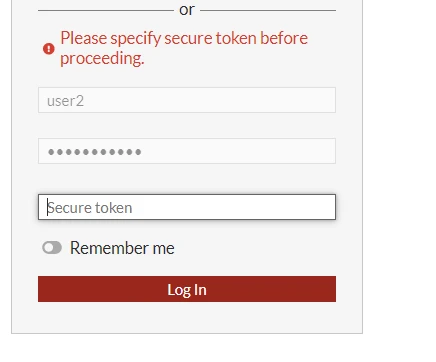
In some cases, to allow sufficient time to complete multi-factor authentication, it is necessary to increase the timeout value from 5 seconds (default) to 60 seconds.
From the CLI:
config system global set remote-auth-timeout <timeout-factor_int> end
Note: The information above applies to FortiMail on-premises. For FortiMail Cloud tenants, multi-factor authentication (MFA) is supported only for webmail users; MFA for admin users is not supported in the new FortiMail Cloud tenants; however, it remains supported for admin access in legacy cloud instances.
|