Technical Tip: How to configure the FortiMail to insert specific header into emails from specific sender's IP
| Description | This article describes how to configure FortiMail to insert a specific header into emails from a specific sender's IP. |
| Scope | FortiMail. |
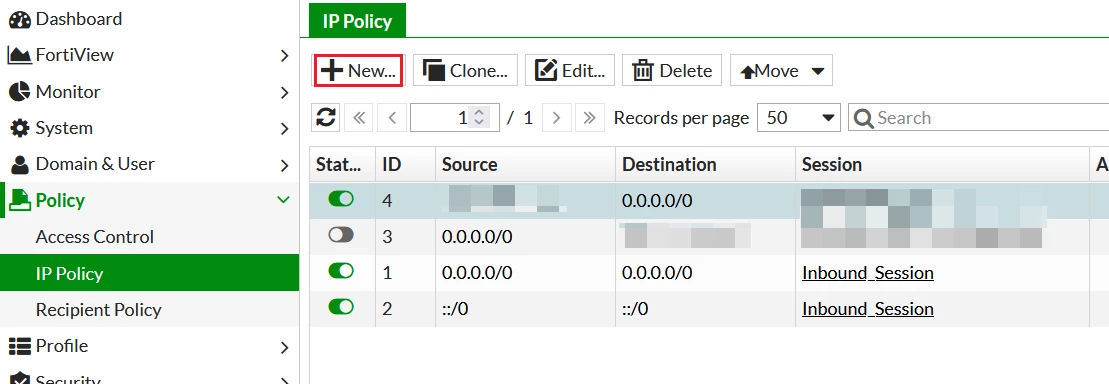
| Solution | Go to Policy -> IP Policy and select 'New 'to create a new IP policy.
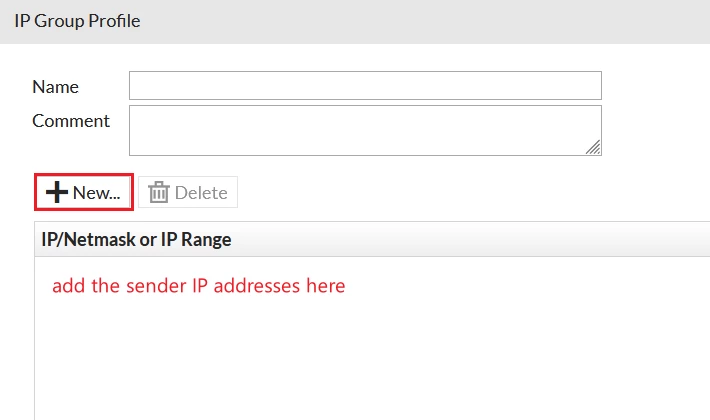
Look for 'Source', select 'IP Group', and select the + sign to add a new IP group.
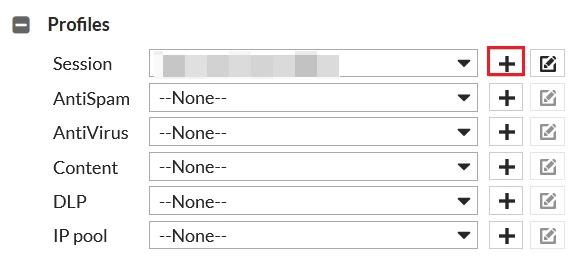
Create a new session profile by selecting the + sign next to the Session Profile:
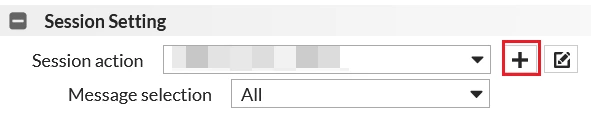
In the new session profile, look for 'Session Setting' and expand it. Look for the 'Session Action', select 'All' for 'Message selection', and select the + sign.
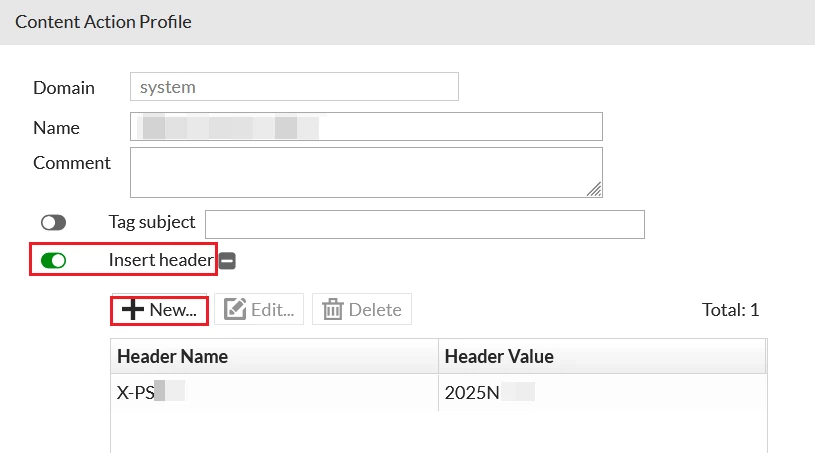
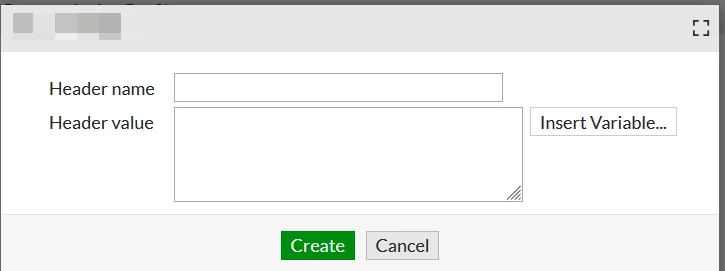
Enable the 'Insert Header' option and select 'New' to configure the header that FortiMail will insert into the email header.
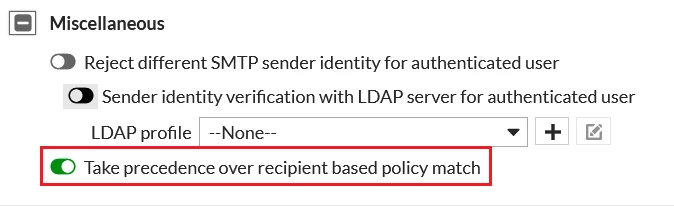
In the IP Policy, look for the 'Miscellaneous' section and enable the option 'Take precedence over recipient-based policy match'.
Note: Ensure that the newly created policy is positioned above the generic policy with source 0.0.0.0/0.
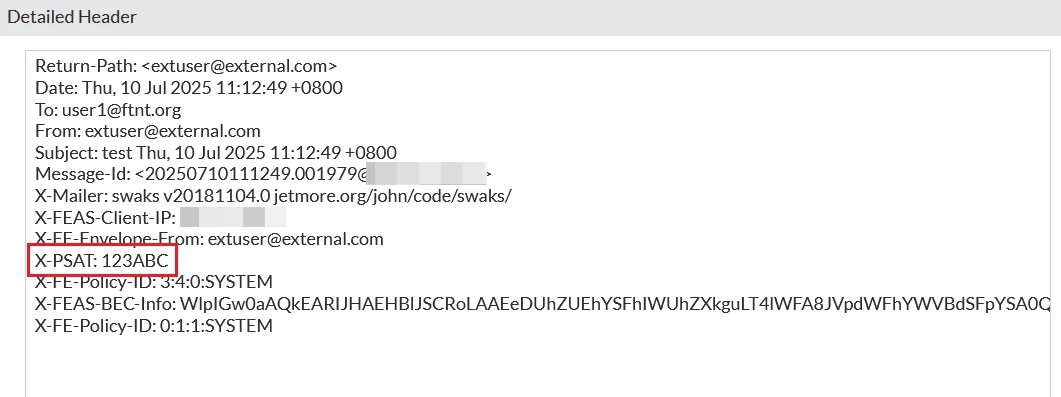
Check the result in the email header and will see the new header is added to the email header.
|