Technical Tip: How to configure mailbox size per domain for FortiMail Server Mode
Description
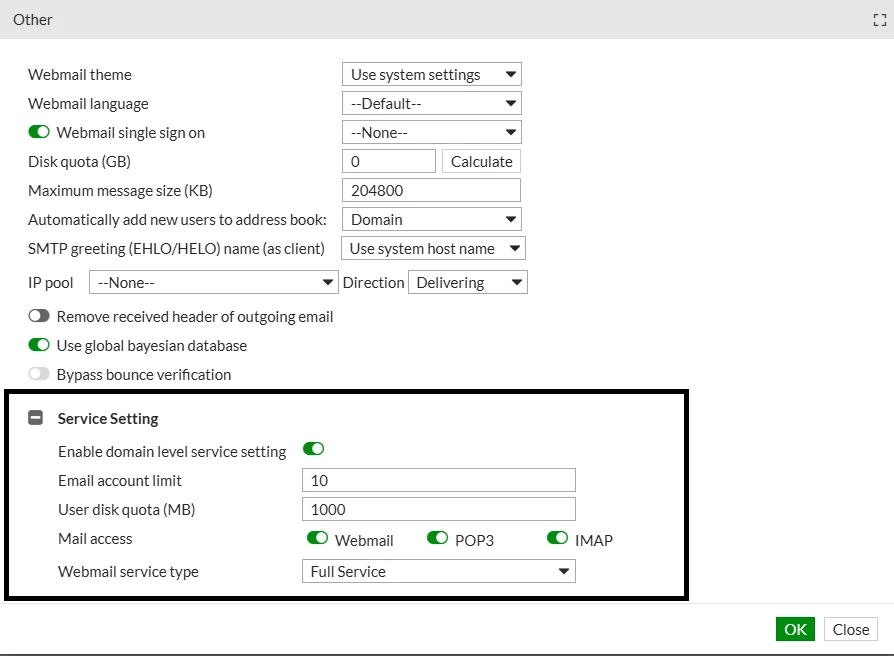
This article describes how to configure mailbox size per domain in FortiMail Server Mode.
Scope
FortiMail v7.4 or later (Server Mode).
Solution
Login to the FortiMail Admin page, Navigate to Domain & user -> Domain -> Select the domain -> Select Edit.
Navigate to Advanced Setting -> Other -> Service Setting -> User disk quota (MB) -> Enable domain level server settings -> Set the mailbox size for the user.