


Troubleshooting Tip: FortiView Session is empty after upgrade on FortiGate 7000E/F Series
Description | This article describes the empty FortiView Sessions dashboard after upgrading to v7.4.5. |
Scope | FortiGate 7000E/F Series. FortiOS version 7.4.5. |
Solution | By accessing the management IP address of the FortiGate Chassis, it will be connected to the FIM Module. Ongoing sessions can be viewed on the FortiView Sessions dashboard.
However, after upgrading to v7.4.5, accessing FIM will not be able to provide ongoing sessions. 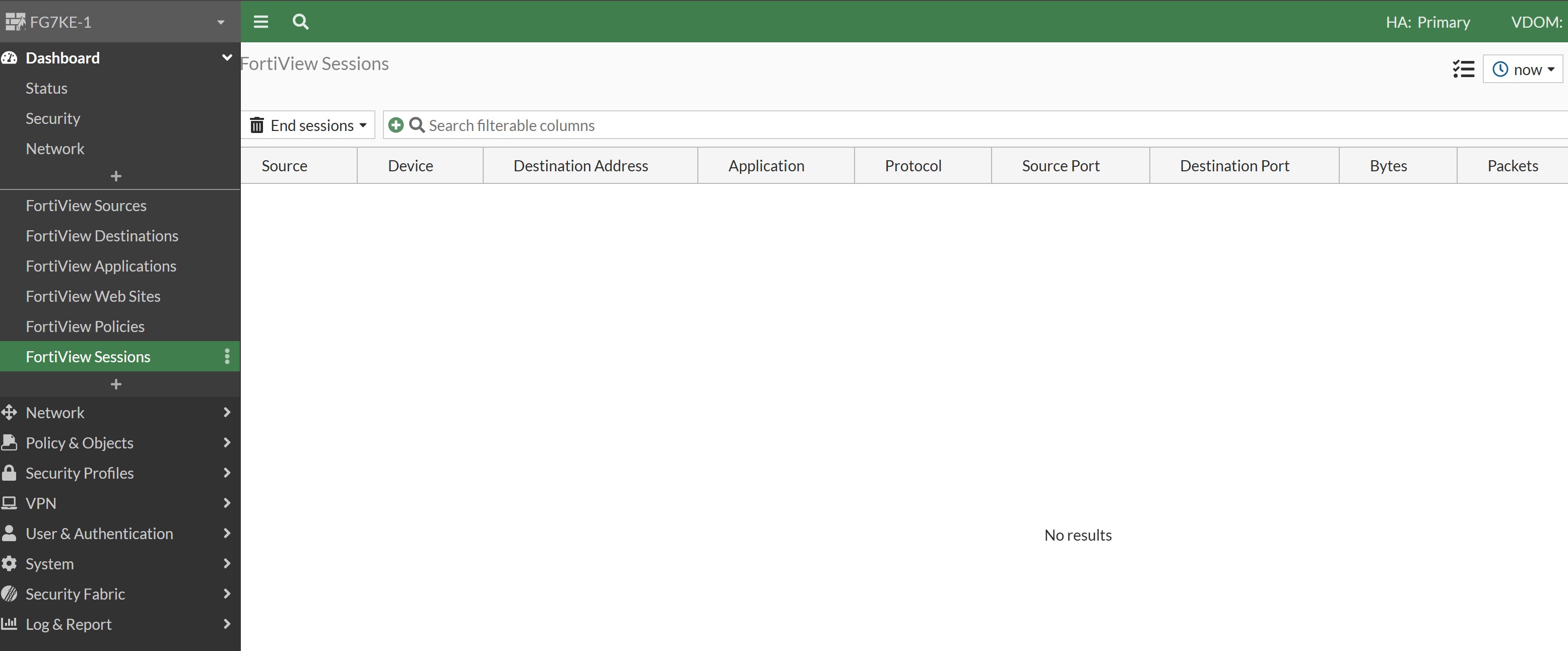
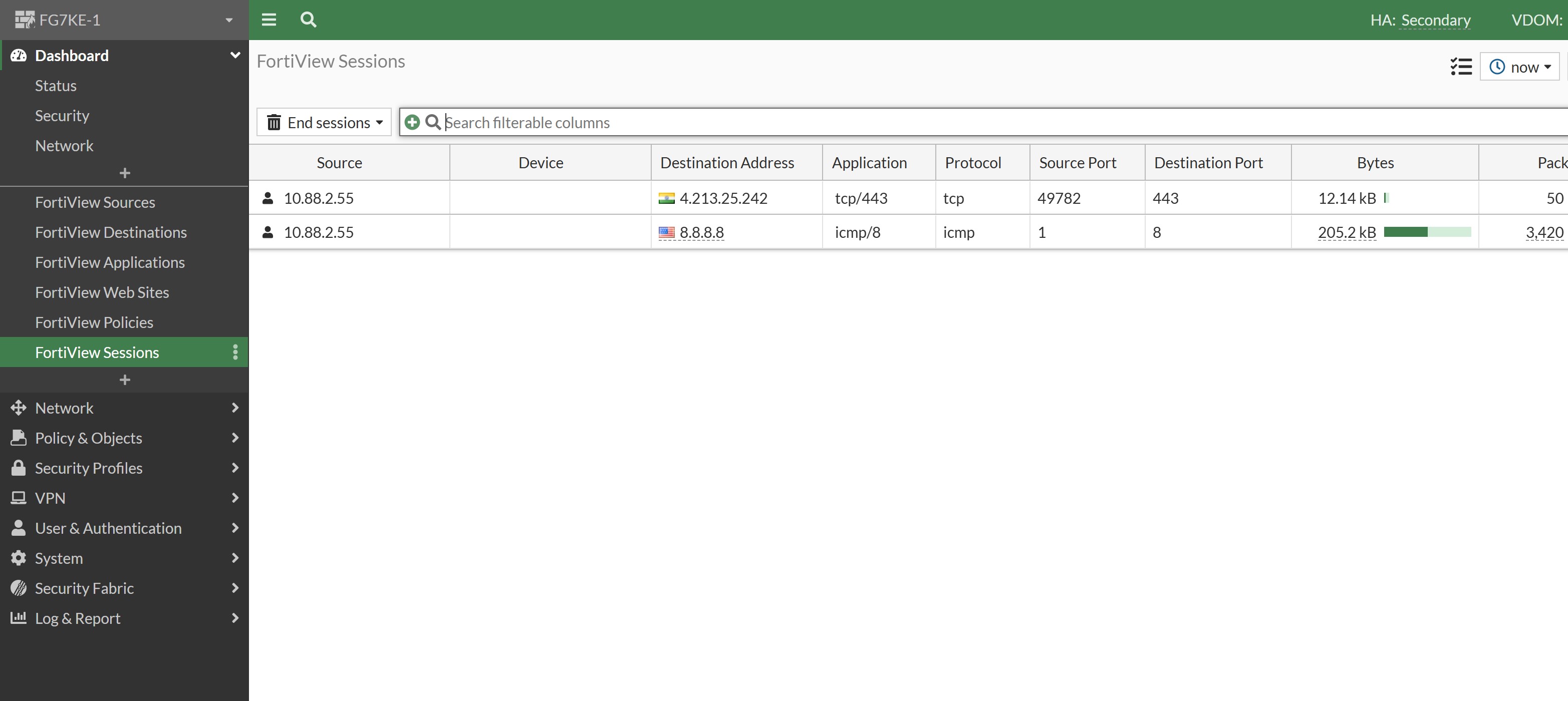
On the newer version, FIM access can not be used to consolidate the ongoing sessions on all FPM modules.
Reference on how to access each module: |
