Troubleshooting Tip: 'An error occurred when attempting to change this reference (system.xxx), this reference must be handled manually.' when trying to add interface to SD-WAN zone with Integrate Interface option on GUI
| Description | This article describes how to troubleshoot the error 'An error occurred when attempting to change this reference (system.xx), this reference must be handled manually.' while trying to add an interface to the SD-WAN zone with the Integrate Interface option. |
| Scope | FortiGate v7.0+. |
| Solution |
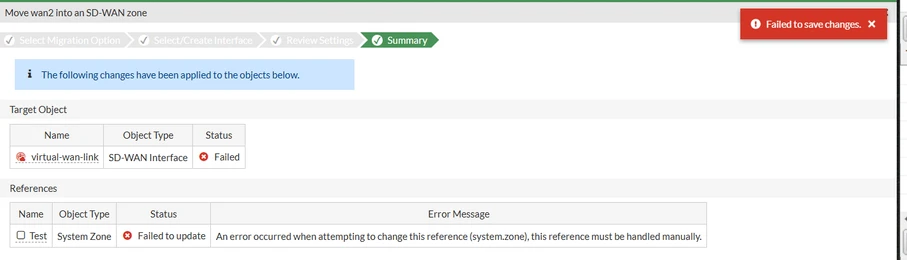
The message may appear when attempting to move an interface to SD-WAN with the Integrate interface option:
This error occurs when that interface is referenced in any zone on FortiGate:
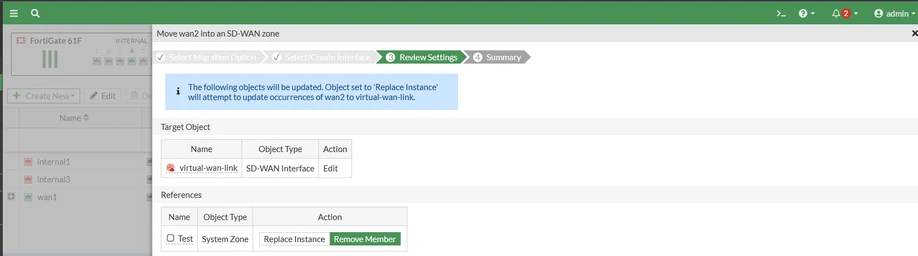
To resolve this error message, the interface should be removed from the referenced zone and then try to integrate the interface again. It will be added successfully without any error:
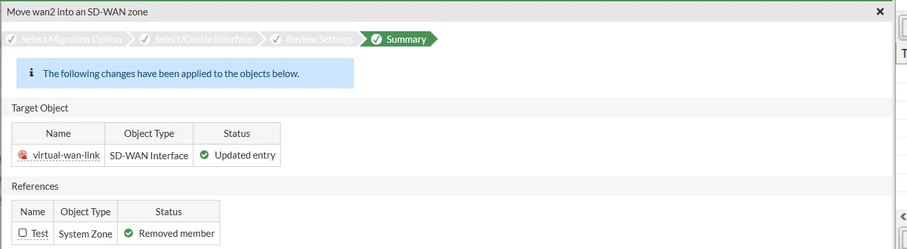
It can also be solved by selecting 'Remove Member' for references for the System Zone option while trying to add an interface to the SD-WAN Zone with the Integrate Interface option:
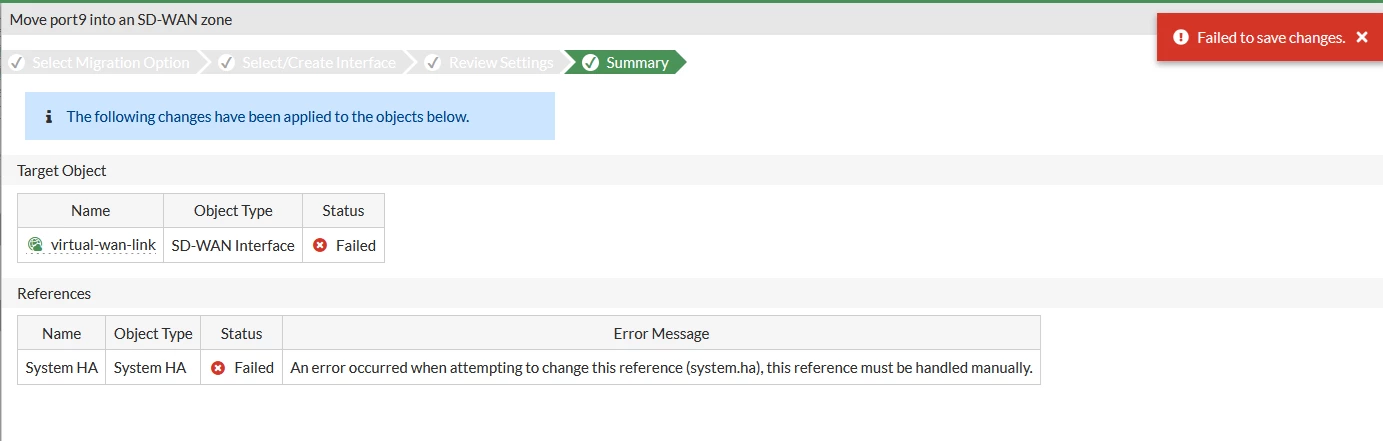
This error occurs when that interface is referenced in the HA setting:
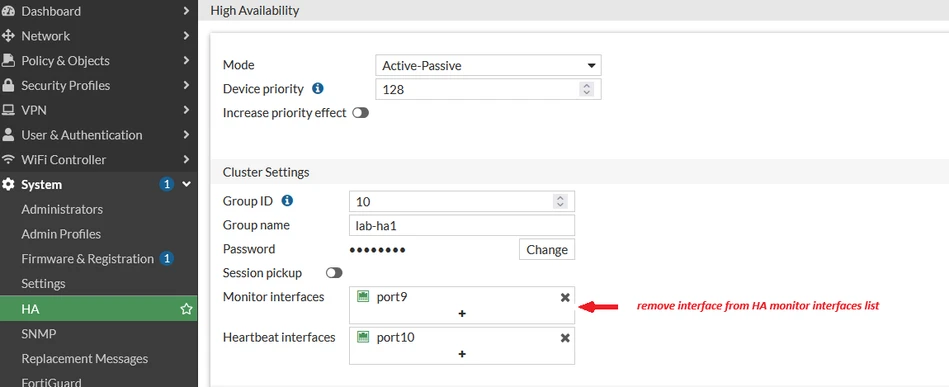
To resolve this issue, remove the interface from the HA monitored interface setting. Navigate to FortiGate GUI -> System -> HA -> Edit.
Once the interface is removed, add the interface to the SD-WAN zone using the Integrate interface option successfully.
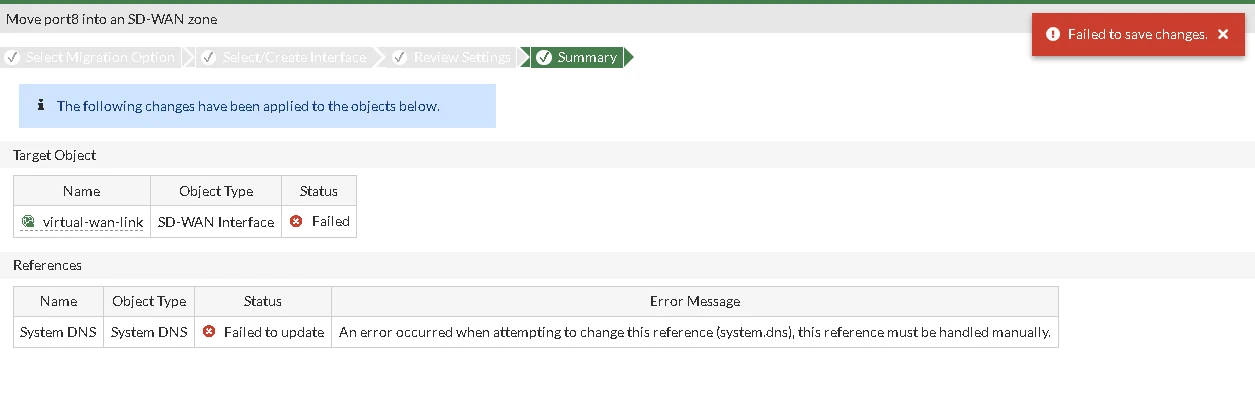
3. Error: 'An error occurred when attempting to change this reference (system.dns), this reference must be handled manually.'
This error occurs when the interfaces is referenced under "config system dns"
config system dns
To resolve this issue, remove the interface with the following commands:
config system dns
Once the conflicts are resolved, add the interface to the SD-WAN zone using the Integrate interface option successfully.
Related article: Technical Tip: How to add the interface in SD-WAN member without deleting references ' |