


Technical Tip:Web filter logs are not visible and getting message as 'No Matching entries found '
Description
This article describes what to check when there are no logs under web filter and getting message as 'No Matching entries found.
Scope
FortiGate.
Solution
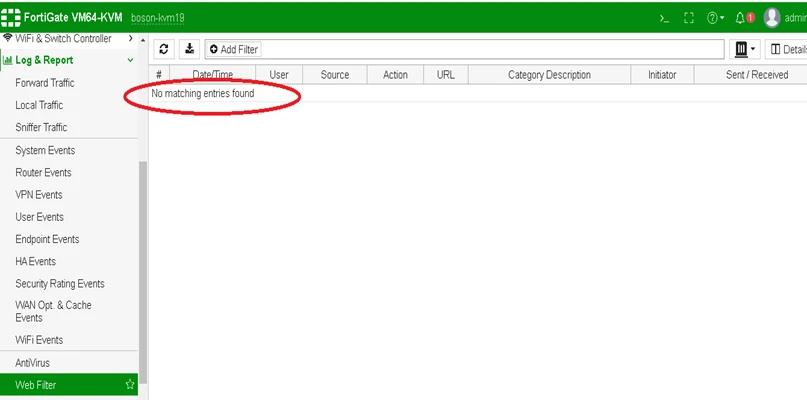
- Make sure that the web filter profile has been applied in the LAN to WAN policy and Deep Inspection is applied in policy.
- Logging is enabled as All Session.
- The Severity of the logging is set as Information depending on where the logging is enabled Memory/Disk
If logging is enabled on Memory :
set severity information
end
Refresh the GUI and check whether the web filter logs are visible.
If not:
- Restart the logging process.
- Check the logging process ID:
diag sys top 5 99
The highlighted are the logging process with the process ID.
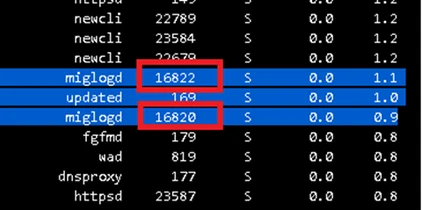
- To restart the process:
diag sys kill 11 16822
diag sys kill 11 16820
Here, only 2 processes are seen.
However this process are seen multiple times with different process ID. Note them and kill those process ID’s too. Here, killing the process itself means restarting the processes.
Refresh the GUI and check for the Web filter logs. The Test logs can be generated to check the status:
diag log test
If the issue is still present, create a ticket in the support portal for further troubleshooting.

