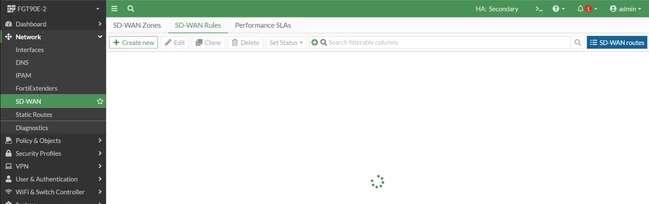
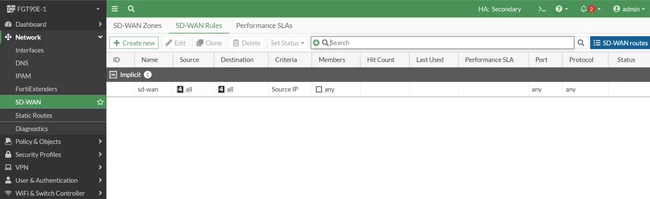
| The SD-WAN Rules GUI page does not load on the secondary device in an HA setup, while it loads fine on the primary unit.
Secondary Unit:
Primary Unit:
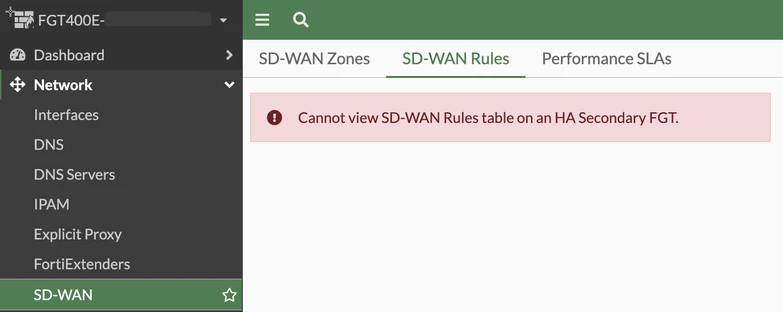
This is an expected behavior because to virtual-wan/health-check monitor API is not allowed on an HA secondary FortiGate. From v7.4.8, v7.6.1, and later, a GUI message was added to show this behavior.
When the SD-WAN rule menu is opened on the GUI on the HA secondary unit, the message 'Cannot view SD-WAN Rules table on an HA Secondary FGT' will be shown instead.
If there is a requirement to verify the SD-WAN rule(s) on the secondary FortiGate, this can be achieved via the CLI on the secondary FortiGate directly using the command below.
config system sdwan
config service
show
For any other issue, the following information will be required by FortiGate TAC for Investigation: - TAC Report: 'execute tac report'.
- Screenshots.
- Fortinet Support Tool data: Troubleshooting Tip: Collect GUI slowness and errors debugs via Fortinet Support Tool.
- The configuration file of the FortiGate.
Related article: Technical Tip: SD-WAN rule page keeps on loading on the secondary GUI when accessing through dedicated HA management interface | 



