


Technical Tip: How to look up a FortiGuard Web Filter URL rating
Description
This article describes how to check a certain URL against the FortiGuard database to see what Fortinet FortiGuard rating system has as a rating for this URL.
Scope
FortiGate.
Solution
This can be done online using below:
Fortinet URL Rating Submission
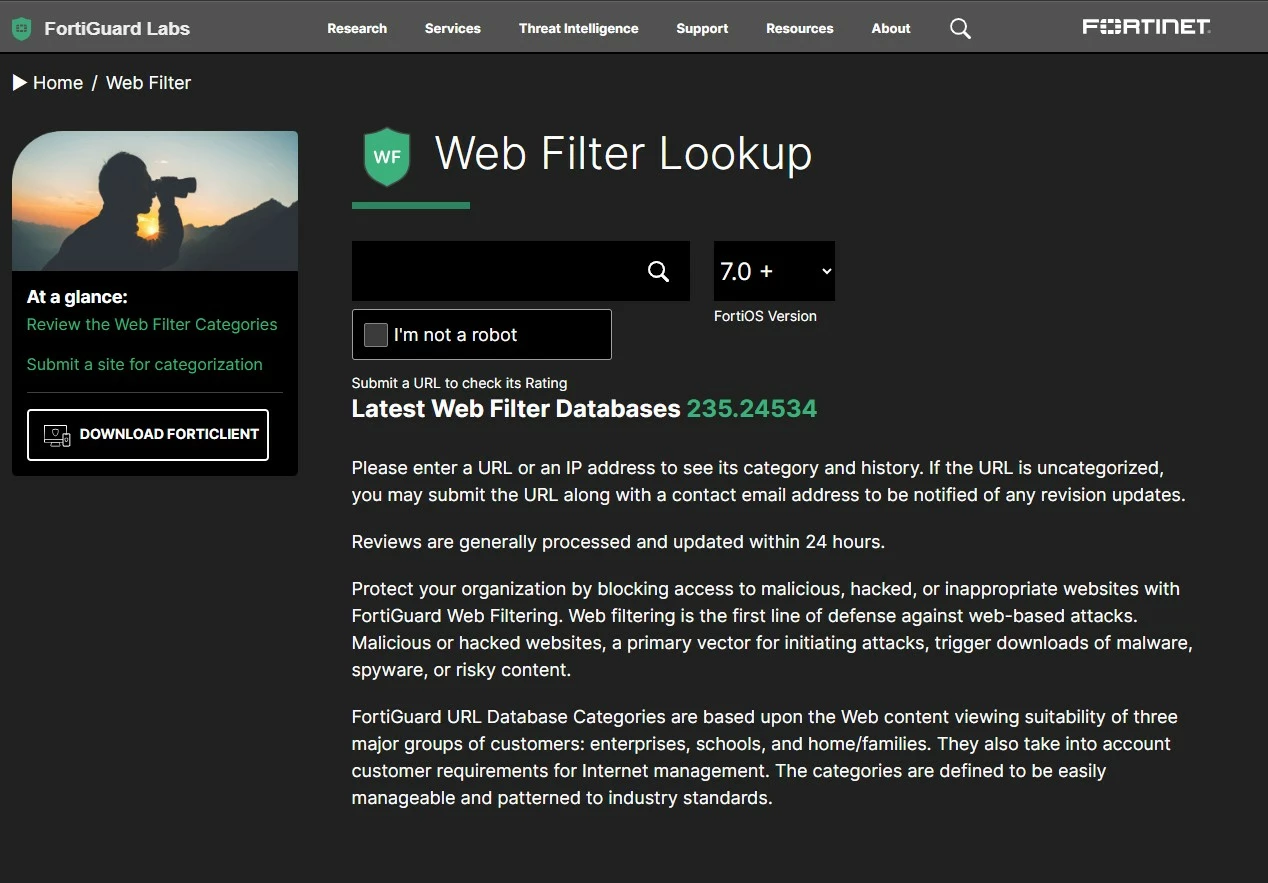
Access the Web Filter Lookup website and enter the concerned URL.
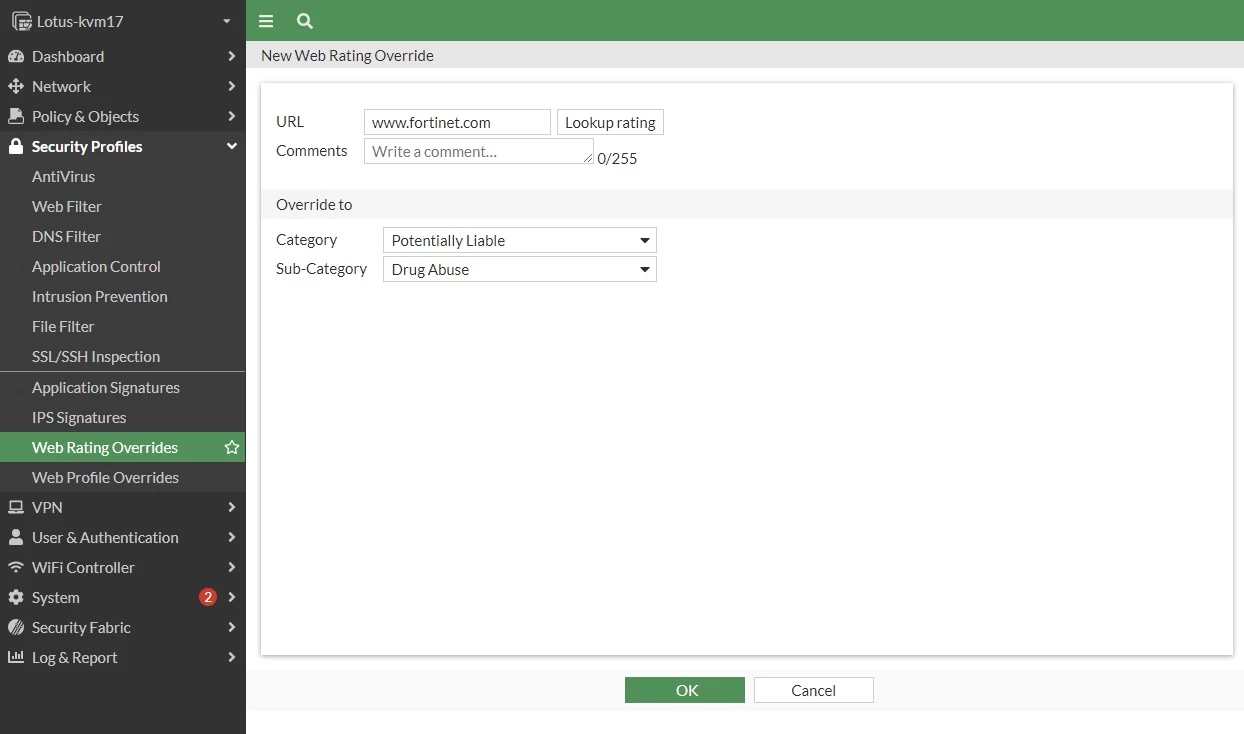
Log in to FortiGate GUI: go to Security Profiles -> Web Rating Overrides -> Create New -> URL -> Lookup Rating (do not select the 'OK' button, as this will save the configuration).
If a website is classified under an incorrect category, submit a request to recategorize the URL by following the link below:
Web Filter Classification Rating Request
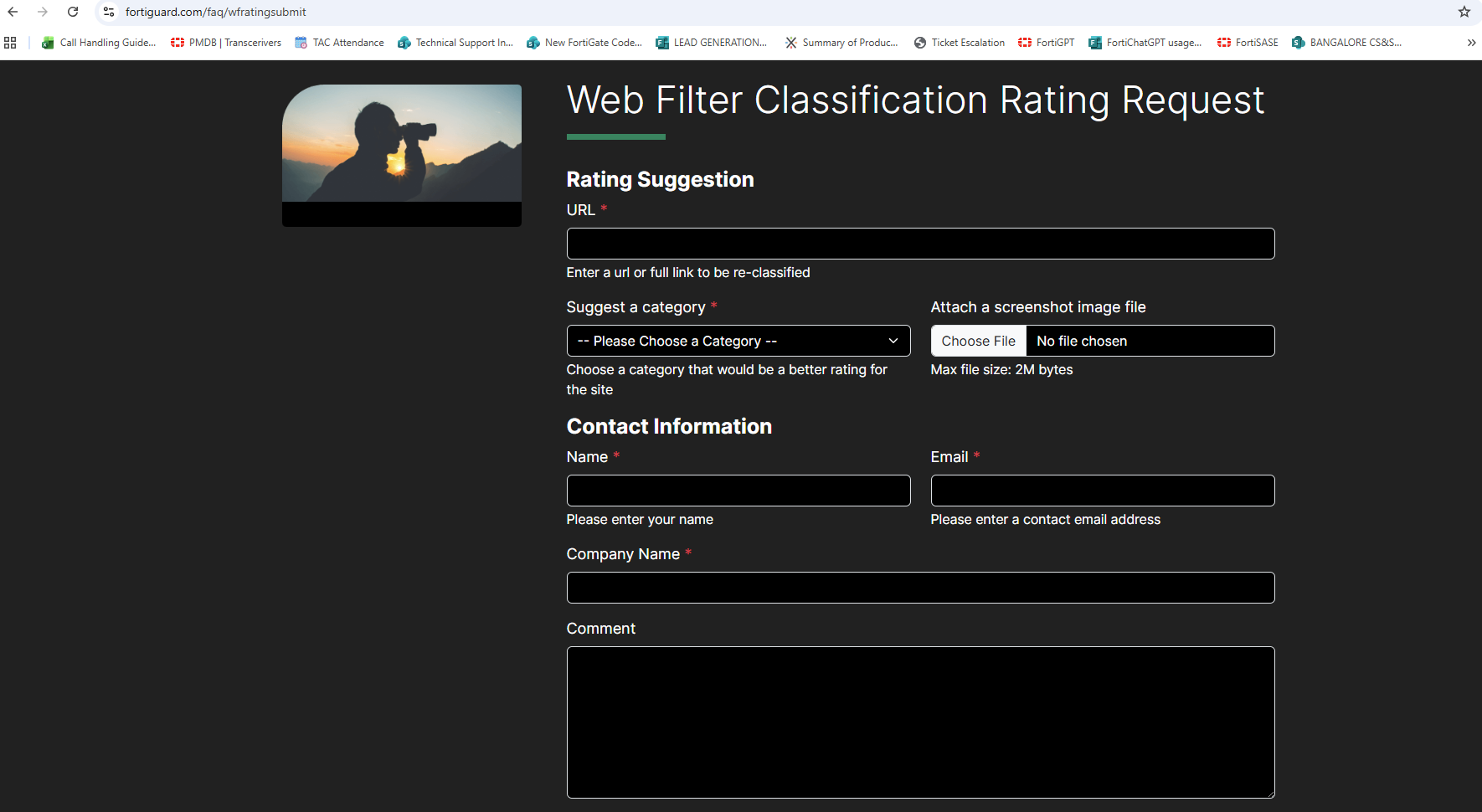
While submitting the request, it is possible to suggest the category that seems appropriate for the website. The FortiGuard team will then review the URL, analyze the website content, and assign the category based on the assessment.
Once the review is completed, the updated category rating will be published and propagated through the FortiGuard web filtering services.
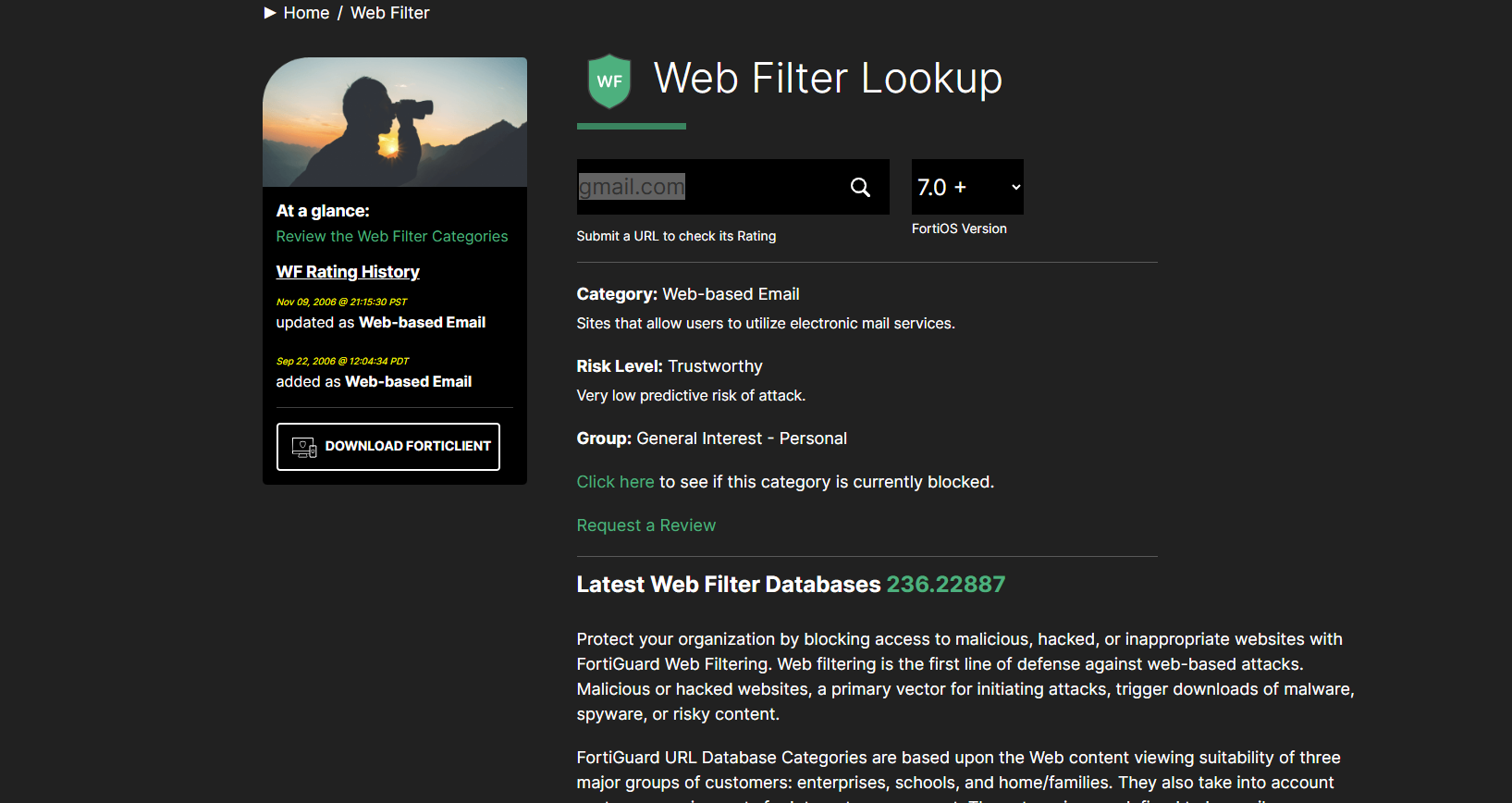
It is also possible to check the URL rating history to determine when the website was last categorized and whether any recent recategorization requests have been processed.
To restart the web filter service, execute the command below.
diagnose test application urlfilter 99
