


Technical Tip: FortiGate HA failover via FortiManager
Description
This article describes how to perform FortiGate HA failover via the FortiManager 'promote' option.
Scope
FortiGate.
Solution
To select the 'promote' option from GUI:
- Go to Device Manager, and select the 'HA device' on the left panel, which will open System: Dashboard.
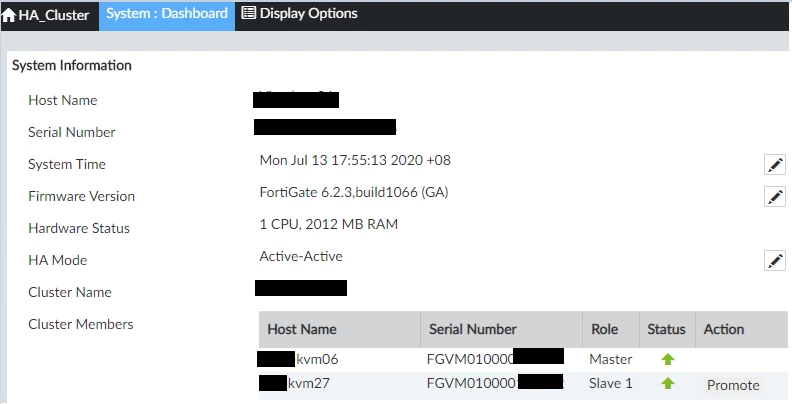
- To make the secondary becomes the primary, select 'Promote', then select 'OK' to confirm failover.
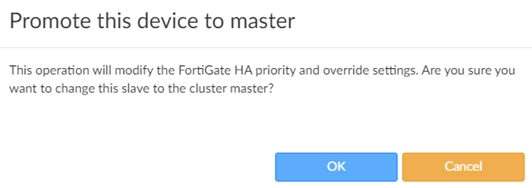
- It will take a while to change the 'HA device' sequence.
- Once completed, the HA role will be changed.

- To confirm this on the production HA FortiGate, go to System -> HA.
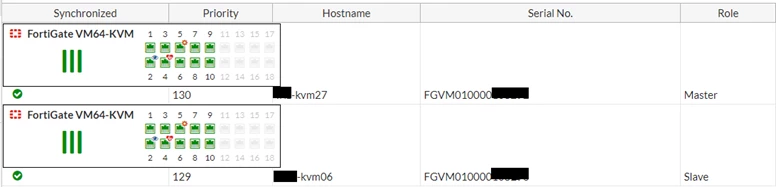
Related article:
