
Technical Tip: FortiGate Dialup VPN IKEv2 RADIUS NPS with Strongswan on Ubuntu
| Description | This article describes how to configure an IKEv2 client-to-site VPN tunnel between a FortiGate and a StrongSwan VPN gateway on a Linux Ubuntu. |
| Scope | FortiGate v6.x,v 7.x. |
| Solution | On RADIUS NPS. Follow this KB article: Technical Tip IKEv2 Dialup IPsec tunnel with RADIUS.
On Linux. Install StrongSwan:
sudo apt-get update
Edit the file /etc/ipsec.conf and input the correct configuration:
config setup conn ikev2-vpn * The left side is client vpn strongswan * the right side is FortiGate firewall. right=172.16.20.104 ---- "Wan Interface" rightsubnet=192.168.100.0/24 --- "Network bellow the FortiGate firewall"
Edit the file /etc/ipsec.secrets:
# This file holds shared secrets or RSA private keys for authentication. # RSA private key for this host, authenticating it to any other host wells@mylab.local : EAP "1234Mudar
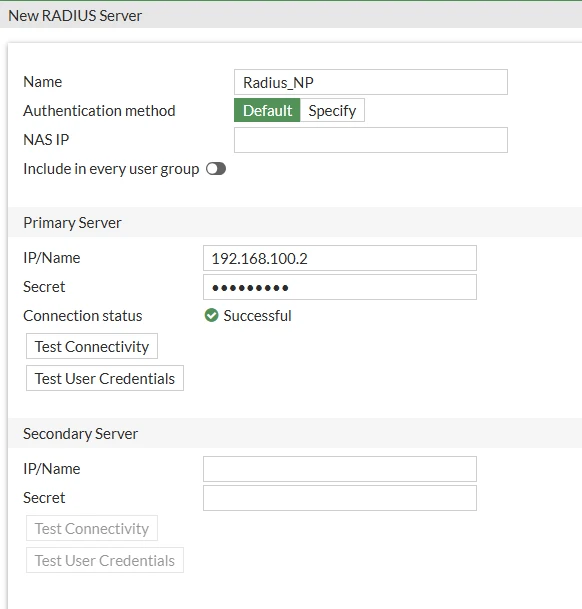
On FortiGate: User & Authentication Menu -> RADIUS Server -> Create New.
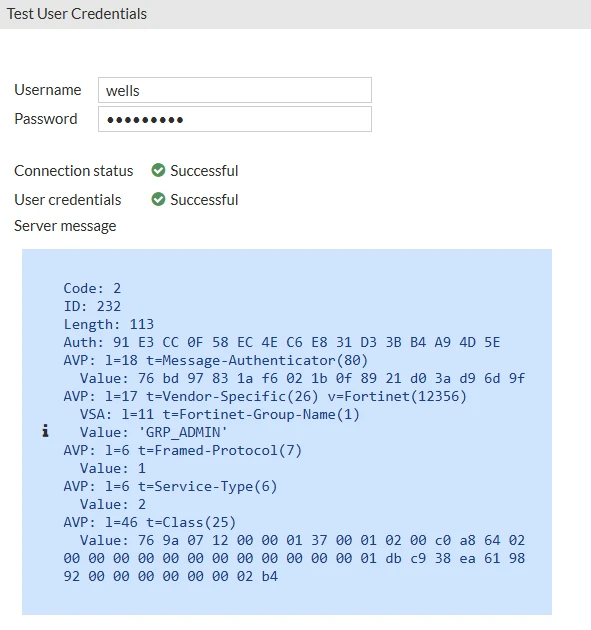
Test User Credentials.
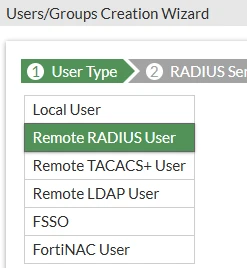
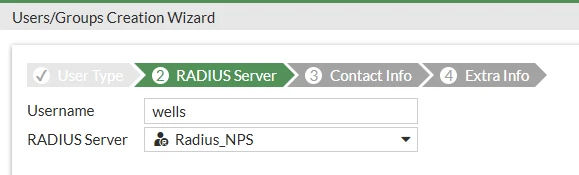
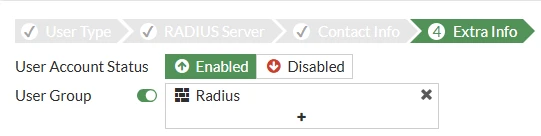
Create RADIUS User on FortiGate: User & Authentication -> User Definition -> Create New.
On FortiGate CLI. VPN IPsec configuration.
config vpn ipsec phase1-interface u75jaUFDnmQ0gUUCsUv42rr9mSqyOiQBTSgrrWc92C0RuTEb14q2/7duJtvwDdK2jBpD0 I3wbcQ6q5nb4FxUy8IstumlO2bl+CHPehEG1Cjg51lmMjY3dkVA
config vpn ipsec phase2-interface
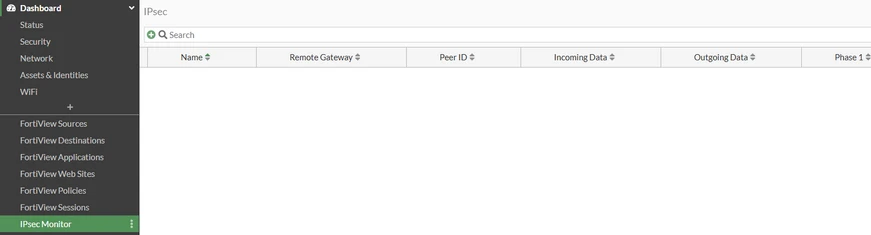
Test connection on Ubuntu Stronswan. Before the IPsec connection: The FortiGate has no active IPsec connections.
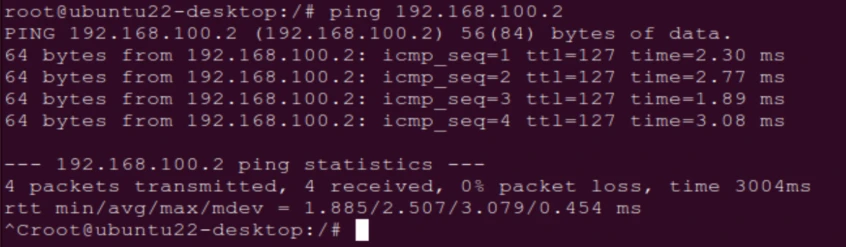
Start ping to 192.168.100.2 -> IP of the RADIUS server LAN.
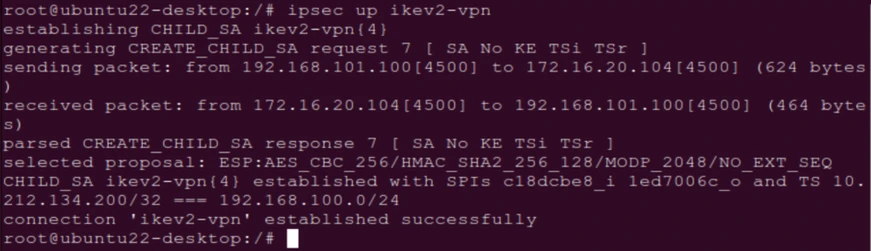
IPsec up ikev2-vpn starts the VPN connection.
Related article: Technical Tip: FortiGate Site-to-Site VPN with Strongswan on Ubuntu |