
Technical Tip: Edit Multiple policies using the new policy layout
| Description | This article describes how to edit Multiple policies using the policy layout starting from v7.4. |
| Scope | FortiGate v7.4.0. |
| Solution | Starting from v7.4.0, the Firewall policy view has the option to switch from the classic layout to the new layout.
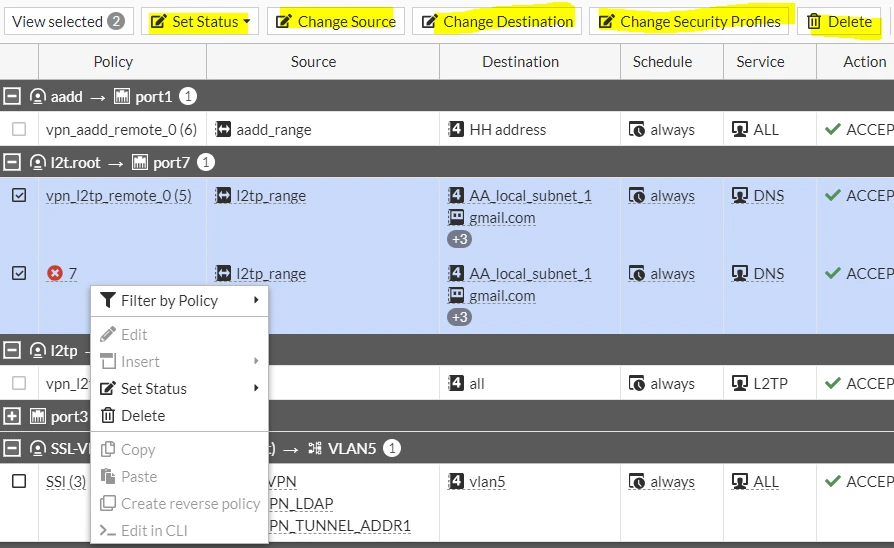
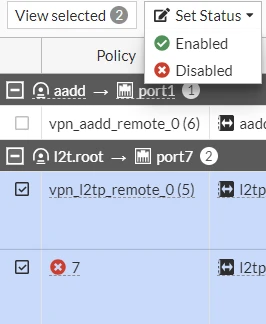
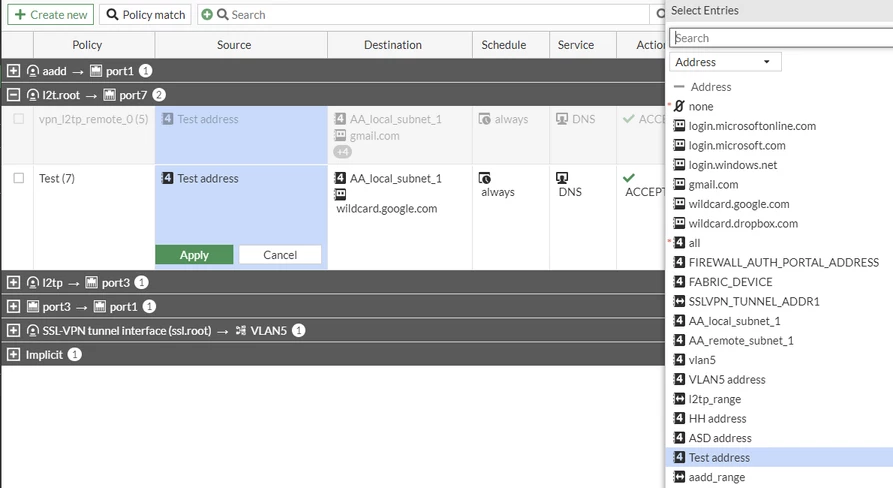
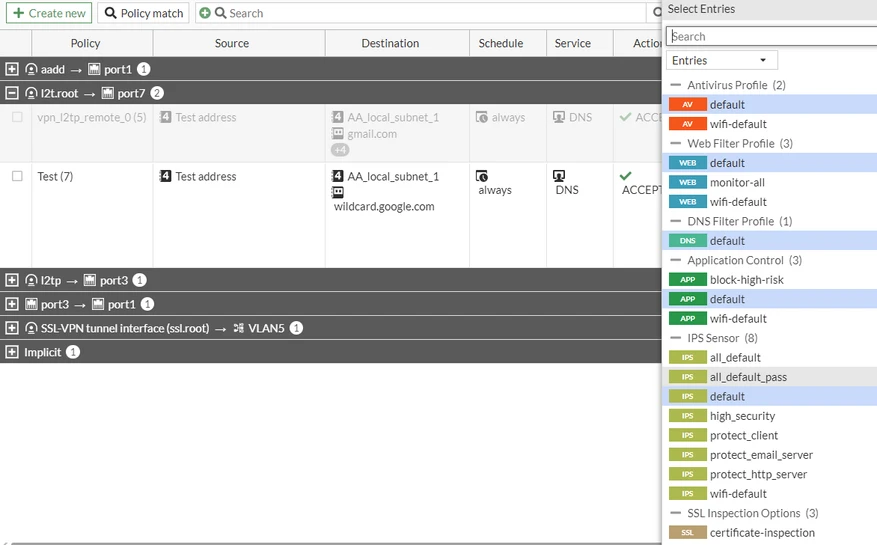
Hold the CTRL or Shift button and start selecting multiple policies to edit.
Using the Classic layout, all of the above changes can be made too by using the right click. However, the ribbons of available options are available only in the new layout.
Note: Change of security profiles for multiple policies is currently available only for the new layout interface pair view. |