Technical Tip: Captive portal user logout from the client machine and direct url to login to captive portal
| Description | This article describes how client can log out from the Captive portal(instead of de-authenticate from FortiGate) and how to log in with a direct URL. |
| Scope | FortiGate. |
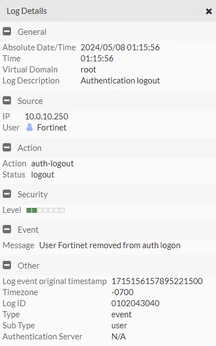
| Solution | After successful login to the captive portal if the user wants to de-authenticate himself from the client machine (instead of de-authenticating from FortiGate), use the below URL syntax:
URL to log out of the captive portal: http://10.0.10.13:1000/logout?
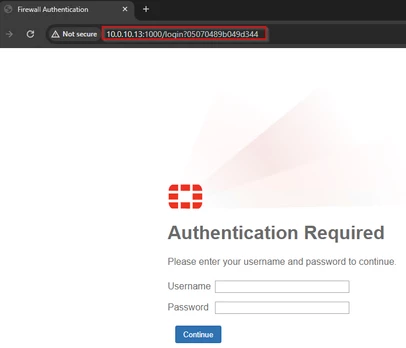
After logging out, it will redirect to http://10.0.10.13:1000/login?0507489b049d344.
http://<FGT lan ip>:1000/logout?
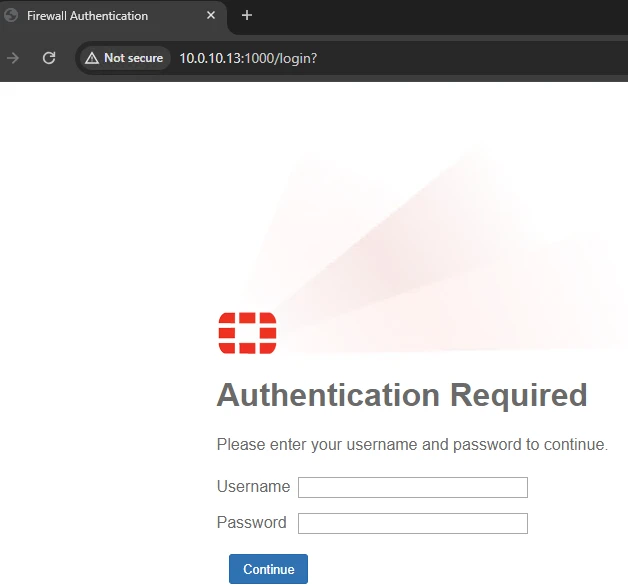
URL to login to the captive portal: http://<FGT lan ip>:1000/login?
|