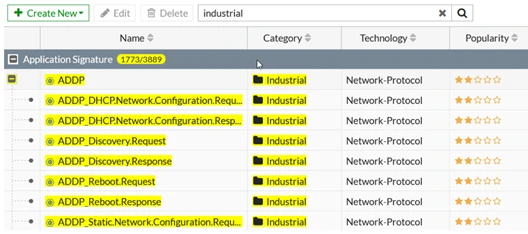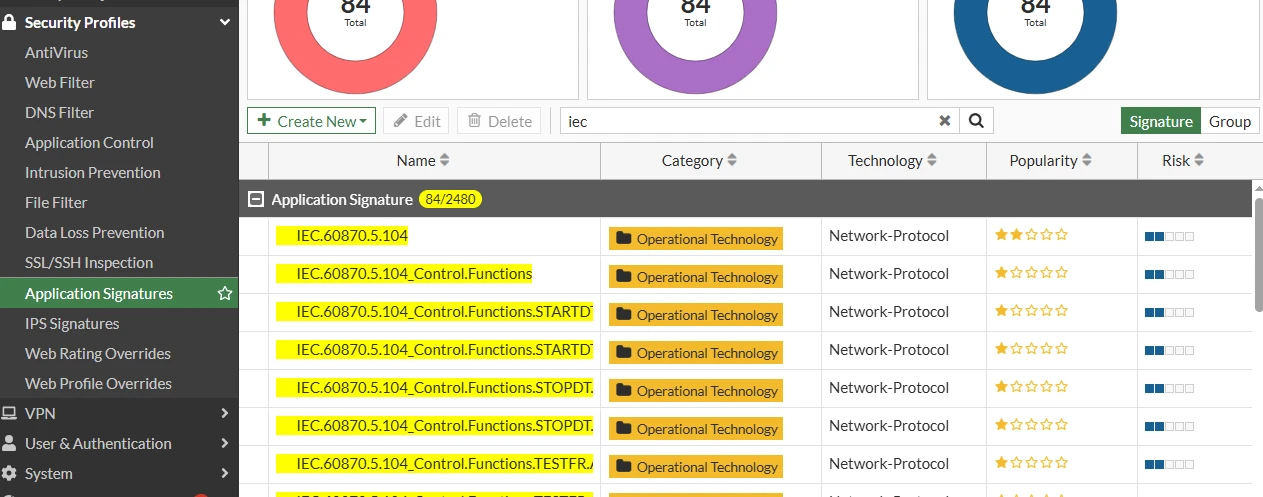

Technical Tip: Application Control signatures belonging to the Industrial category
Description
This article describes how to enable Application Control signatures belonging to the Industrial category.
Application Control signatures belonging to the industrial category/group are excluded by default.
Scope
FortiGate.
Solution
Default configuration :
config ips global
set exclude-signatures {none | industrial} <----- The default option would be 'industrial', which means industrial signatures are excluded.
end
- Use the following commands to add industrial signatures and OT (Operational Technology) signatures to an application control sensor:
config ips global
set exclude-signatures none
end
Note:
Starting from FortiOS v7.4.1, the exclude-signatures setting’s 'industrial' option has been renamed to 'ot'.
config ips global
set exclude-signatures {none | ot}
- The Industrial category will now be available on the Application Control sensor GUI.