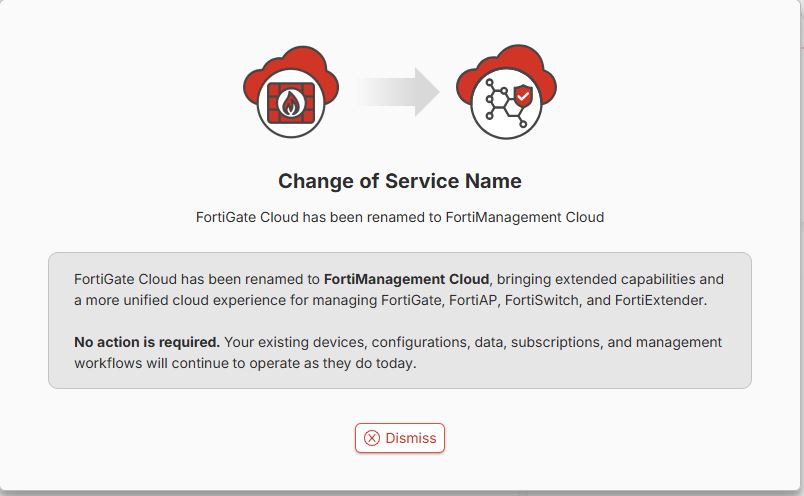
Solution | Note: FortiGate Cloud has been renamed to FortiManagement Cloud starting from September 8, 2026.
Starting from February 28, 2025, a FortiGate without an active subscription (Subscription types) is required to upgrade to the latest firmware patch within 7 days of a new GA patch release, or FortiManagement Cloud (FortiGate Cloud) services will be paused for that device.
For example, if a FortiGate with no FortiManagement Cloud (FortiGate Cloud) subscription is running v7.4.6, logging to FortiManagement Cloud will be paused until one of the following is done:
The device is upgraded to the latest v7.4 or v7.6 GA release. A FortiManagement Cloud subscription is applied to the device. This applies to any supported firmware version, such as v7.2.x, as well.
'Log uploading has been suppressed' warning message will appear on the FortiManagement Cloud (FortiGate Cloud) Portal under the column 'Last log upload'. 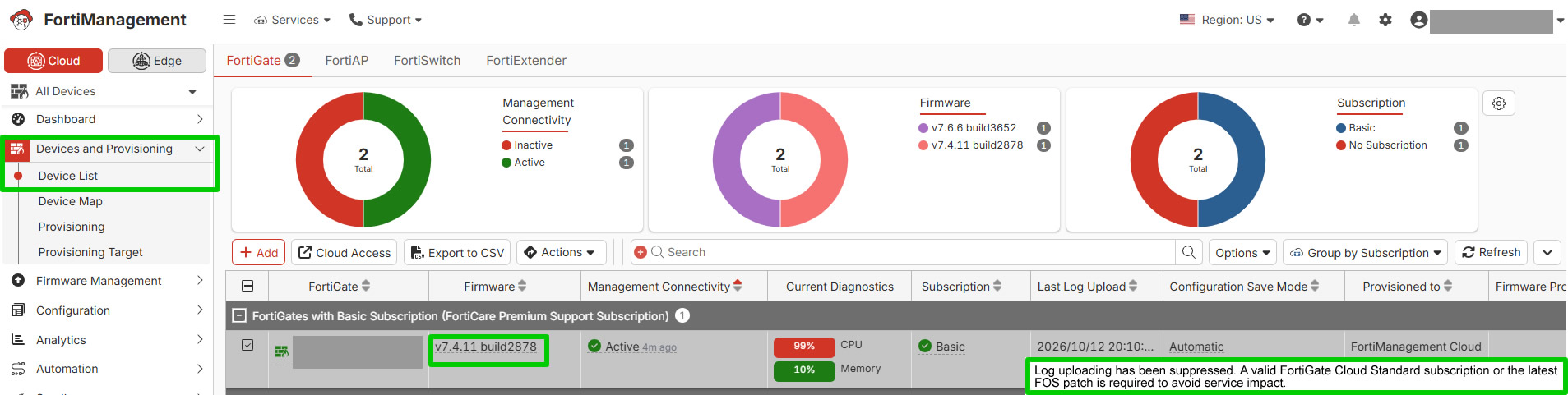 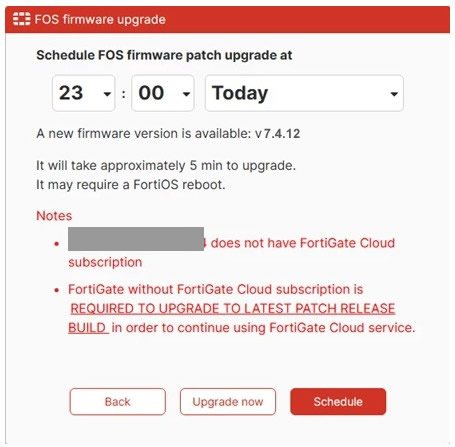 An email will also be sent out about this upgrade: 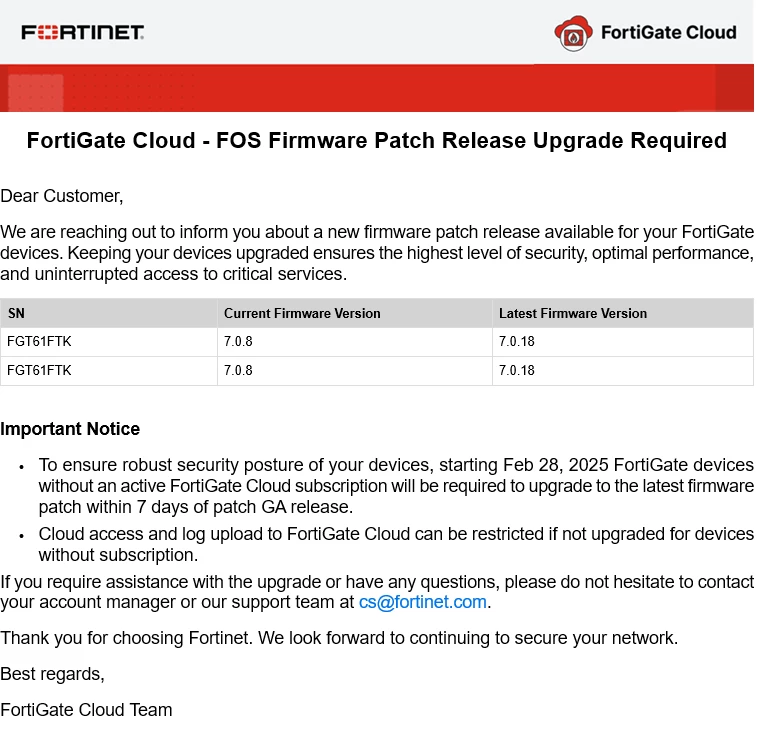 The image above shows an upgrade notification when logging in to FortiManagement Cloud (FortiGate Cloud). For devices without a FortiManagement Cloud (FortiGate Cloud) subscription, apply firmware updates promptly within the 7-day window to maintain uninterrupted access to FortiGate Cloud services. This firmware upgrade does not need to be applied through FortiManagement Cloud (FortiGate Cloud): the upgrade could also be applied manually (How to upgrade FortiGate firmware), using FortiManager (Technical Tip: How to upgrade FortiGate using FortiManager), or using the feature Enabling automatic firmware upgrades. For all devices, periodically review FortiManagement Cloud (FortiGate Cloud) subscription status and firmware upgrade settings to ensure devices are up to date with the latest firmware patch versions. The FortiManagement Cloud (FortiGate Cloud) firmware profile (Technical Tip: How to control Automatic Upgrades/Firmware Profiles on FortiGate Cloud) feature is available for devices with active FortiManagement Cloud (FortiGate Cloud) subscriptions only. The notification will be sent on the 1st day (when the latest firmware image is published) and the 7th day (meaning the last of the 7-day window), and will be presented only on the Firewalls that do not have a FortiManagement Cloud (FortiGate Cloud) subscription AND have uploaded the log to the Cloud in the last 90 days. Otherwise, the Firewalls will not receive this notification.
This ensures a robust security posture for all devices, ensuring they operate with the most recent protections and features.
As part of this change, the 'latest-patch' firmware profile will no longer be mandatory or available for devices without an active FortiManagement Cloud (FortiGate Cloud) subscription. Firmware upgrades for these devices must be applied using any other supported method, including the newly introduced FortiManagement Cloud (FortiGate Cloud) upgrade prompt.
If a device is running firmware from a branch whose End of Support date has passed, the FortiGate must be upgraded to an in-support firmware release to continue accessing FortiManagement Cloud (FortiGate Cloud) services.
When FortiGate devices without a subscription are running EoS firmware, FortiGate Cloud continues to receive submitted event logs and generate reports, but no longer sends report emails to administrators, and administrators cannot access FortiView or Log View. However, administrators can access firmware upgrade and deprovision functionality.
In cases where the FortiGate model is in support but does not support later firmware, the latest GA firmware version can be used to maintain access to FortiManagement Cloud (FortiGate Cloud) services. For firmware End of Support dates, reference Customer Service Tip: Product Life Cycle Information on Fortinet products in the Support portal.
Related article:
How to check whether a FortiGate has an active (paid) FortiGate Cloud Service Subscription |