


Best practices for shutting down FortiGate
Description
These are the best practices for shutting down FortiGate.
Scope
FortiGate.
Solution
Always shut down the FortiGate operating system properly before turning off the power switch to avoid potentially catastrophic hardware problems.
To power off the FortiGate from the GUI:
Go to the Dashboard or any other menu.
On the top right of the page, click on the admin or any other user that it is logged in at this point:

Click on System, and then Shutdown:
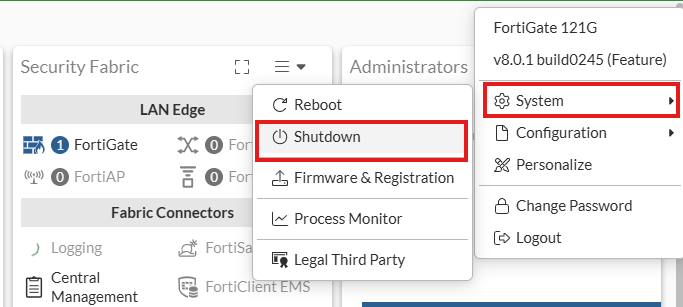
A new page will open as shown below:
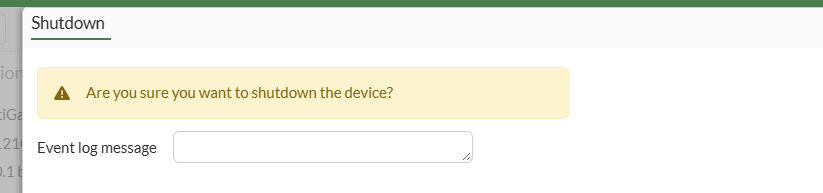
The system will shut down and show:
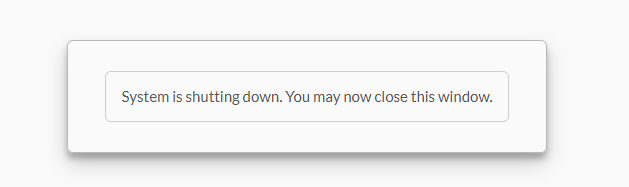
To power off the FortiGate from the CLI:
execute shutdown
Once this has been done, safely turn off the power switch or disconnect the power cables from the power supply.
