


How to Request a FortiEDR Collector update from the Manager Console
Description
Steps to request a FortiEDR Collector update from the EDR Manager Console.
Scope
FortiEDR
Solution
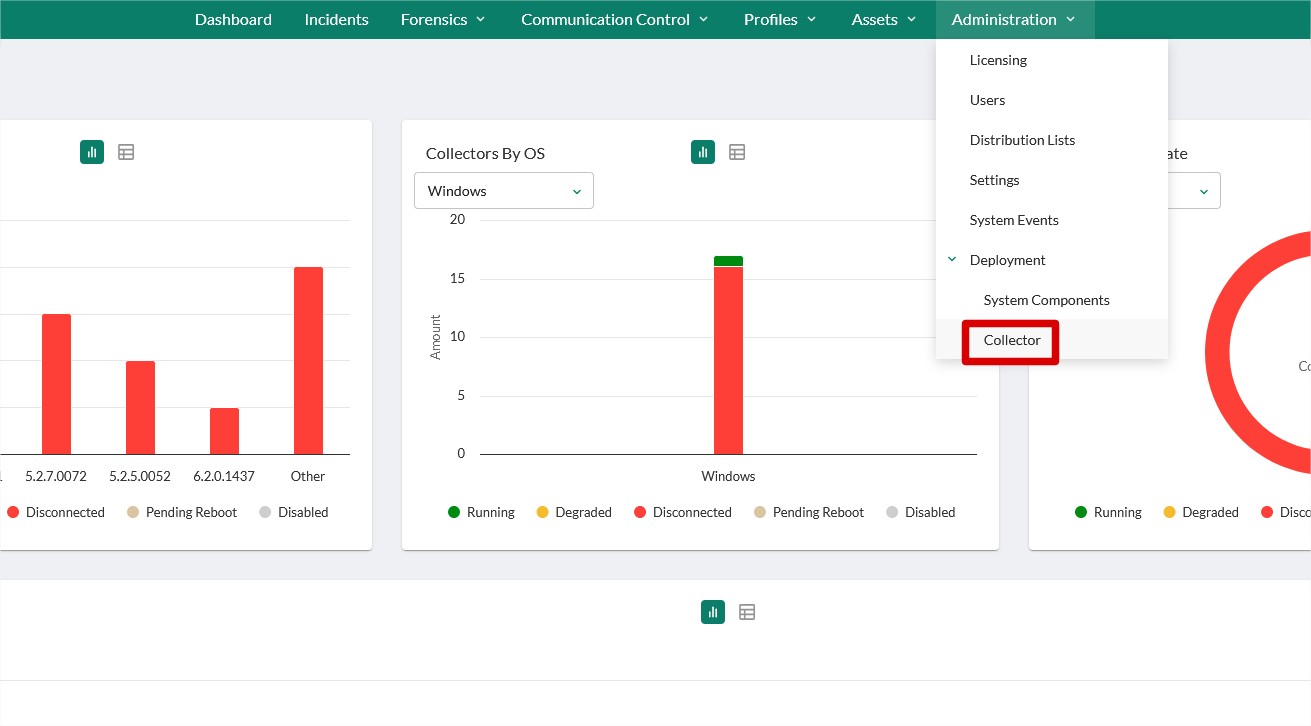
Go to Administration -> Deployment -> Collector.
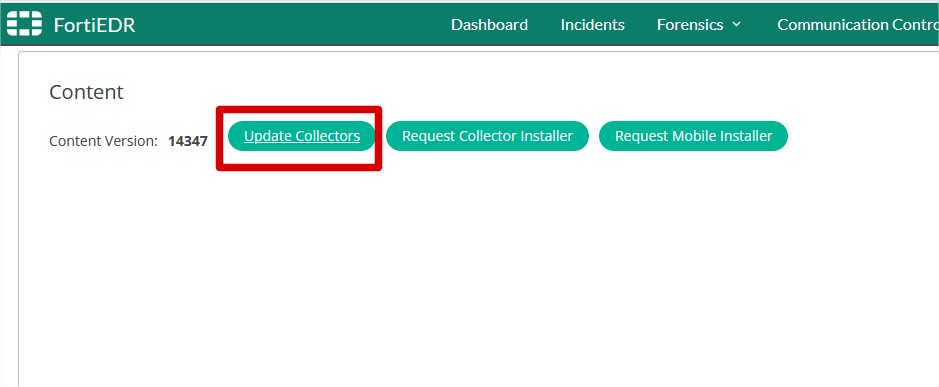
Click 'Update Collectors':
In the 'Update Collector Version' window:
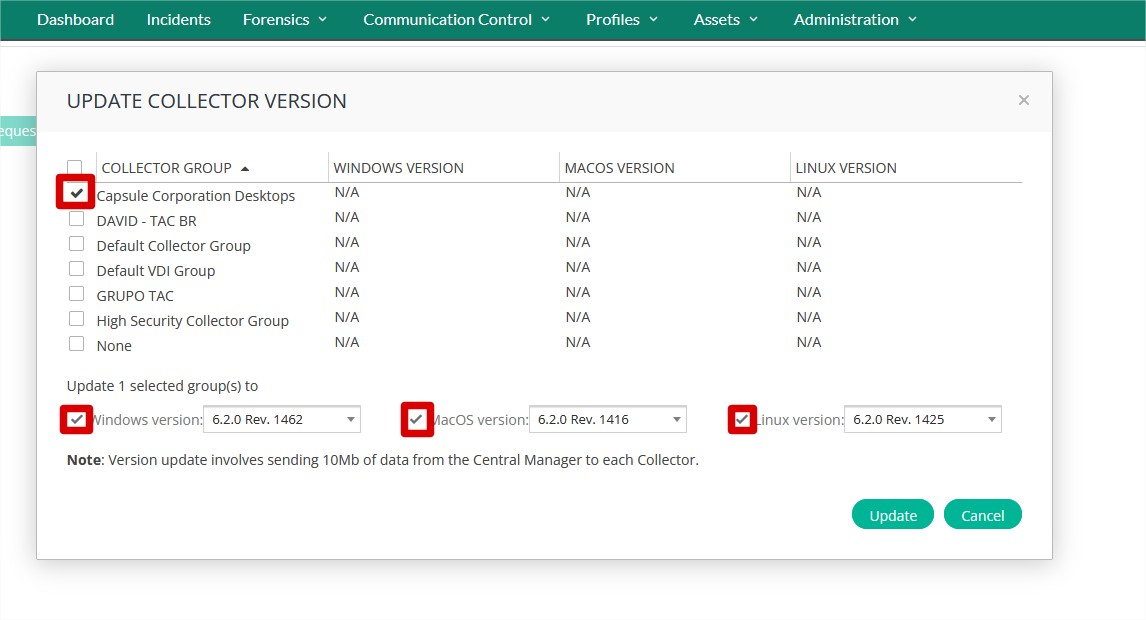
Select the checkbox for the desired Collector Group
Select the checkbox for the operating system installer you want:
Windows
macOS
Linux
Select the required installer version for each OS.
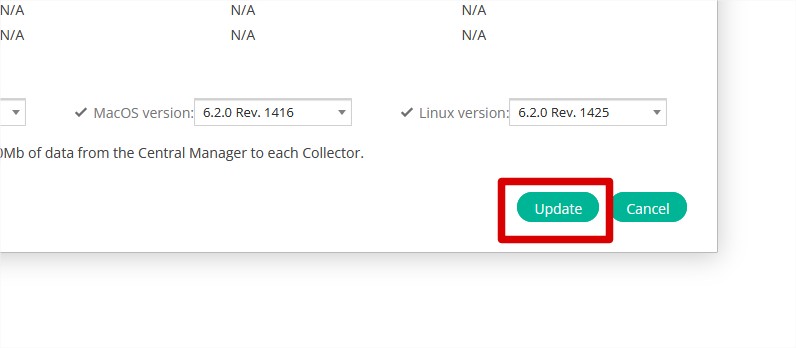
Click 'Update':
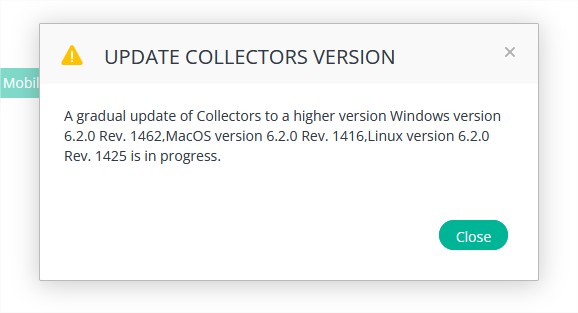
The update will start, and the following message should appear; just click 'Close':
The collector will be updated to the requested version.
