Troubleshooting Tip: What to do when access to FortiClient Cloud does not show all FortiClient EMS configuration options
| Description | This article describes what actions to take when FortiClient Cloud EMS does not show all settings. |
| Scope | FortiClient Cloud EMS 7.2.X. |
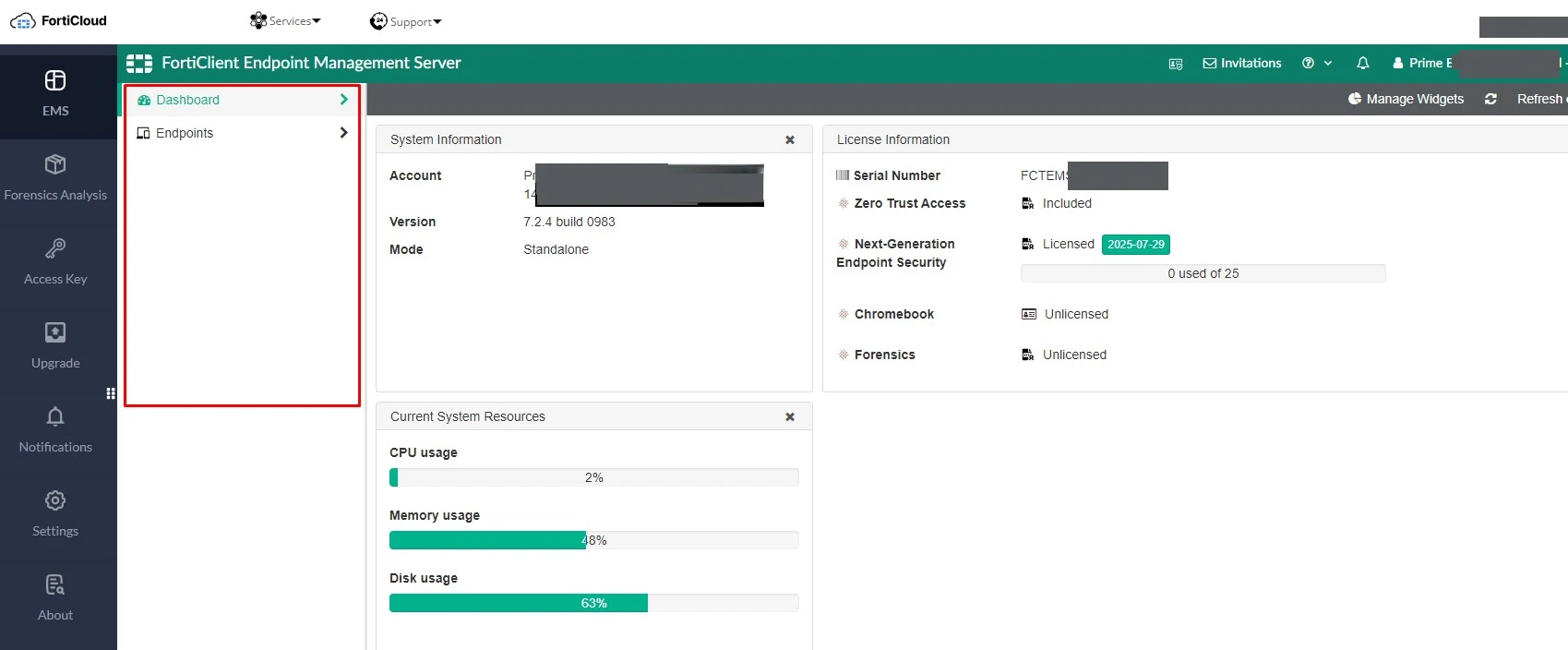
| Solution | In certain situations, FortiClient EMS Cloud may not show all of the configuration settings:
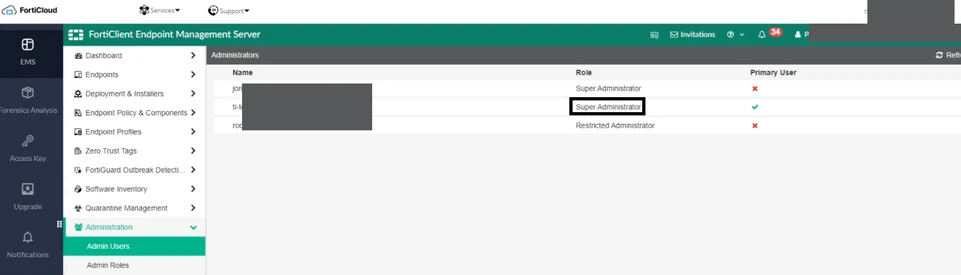
This is due to the user having restricted access set in place by the administrator (Master account). To solve it, a master account is needed to modify the role rights of the user: under Administrator -> Admin Users, modify the role of the desired user.
Save the changes and verify that the configuration options are back. If the issue still remains, take all the evidence and open a ticket with Fortinet TAC support to assist. |