


Technical Tip: FortiClient installer download fails when the package name contains spaces
Description | This article describes a FortiClient installer download failure associated with spaces in the installer package name and provides a workaround with examples. |
|---|---|
Scope | FortiClient EMS 7.4.8 and FortiClient EMS Cloud. |
Solution | A space in the installer package name may cause the executable download to fail, even when the package directory is accessible and lists the installer files. Example 1: Package name containing a space: 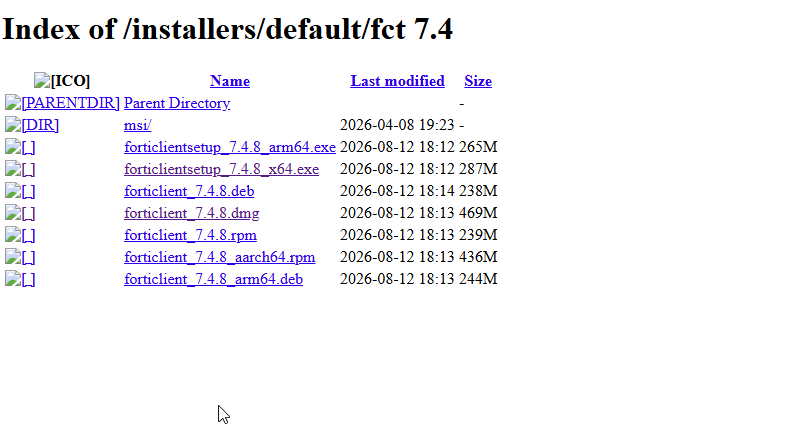 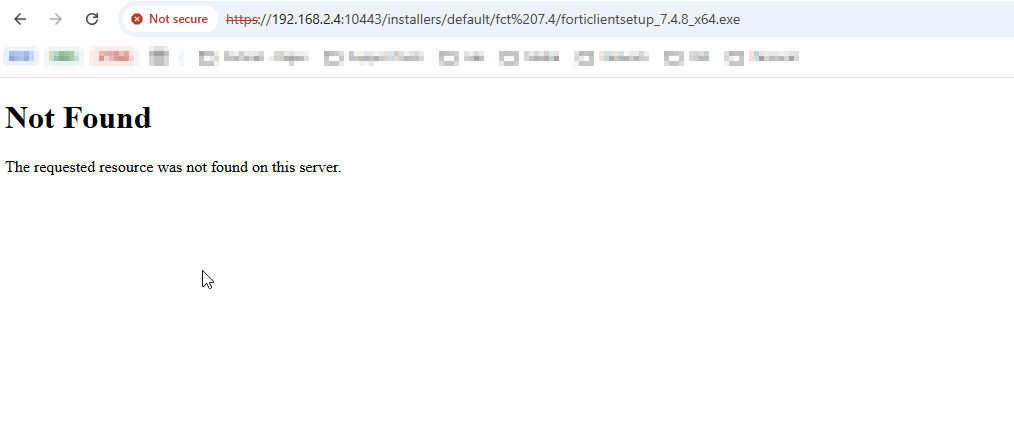
Not Found
/installers/default/fct%207.4/forticlientsetup_7.4.8_x64.exe The %20 sequence represents the space in the package name. The directory listing shows that the file is present, but does not confirm that its download will succeed. Example 2: Package name without spaces: 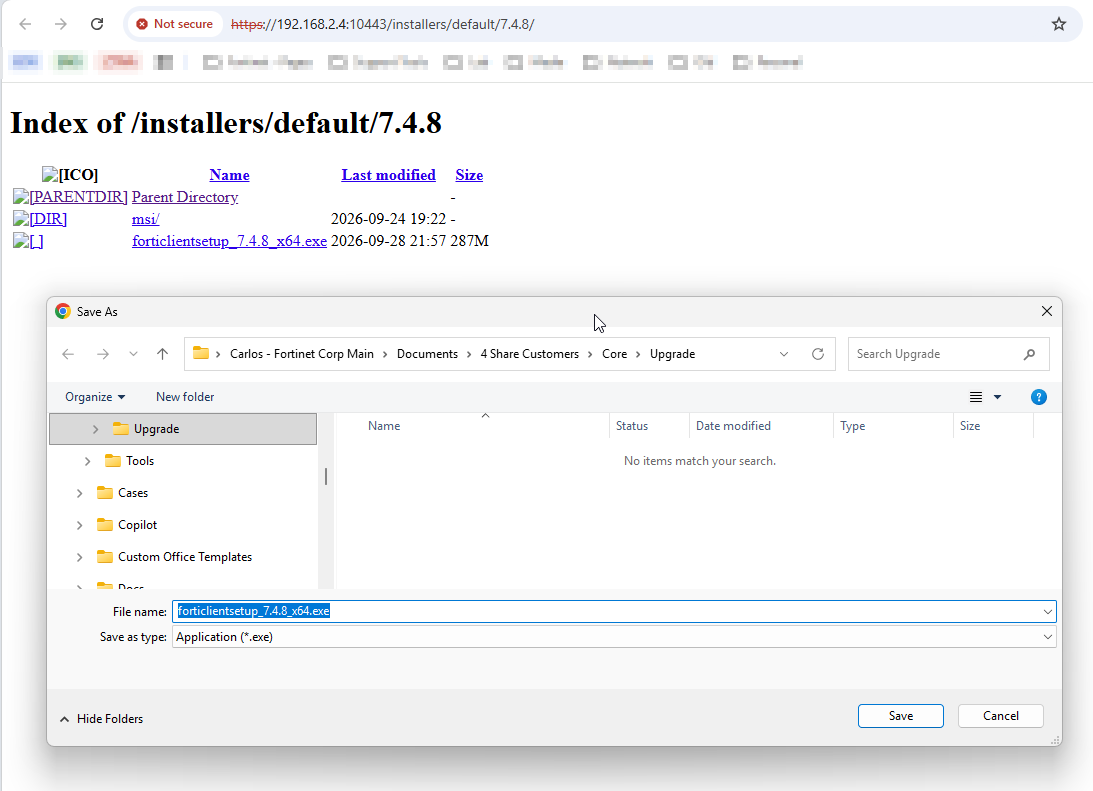
Example download path: /installers/default/7.4.8/forticlientsetup_7.4.8_x64.exe
Replacing %20 with an underscore in the existing URL alone does not create a corresponding package. Use the download link generated for the newly created installer.
If the download still fails, verify the required network connectivity and license synchronization status before generating another package.
An improvement related to installer download links for package names containing spaces is currently planned for FortiClient EMS 7.4.9. Inclusion remains subject to successful QA validation and may change. Consult the release notes when the version becomes available to confirm inclusion. Until the improvement is available and validated, continue using installer package names without spaces. |
