"Your OTP login is . Valid for 3 minutes. Do not share the OTP."
This indicates that the token code placeholder is not being substituted with the generated authentication code, resulting in a blank value in the SMS content.
Your OTP login is {{:message}}. Valid for 3 minutes. Do not share the OTP.
After updating the template, the authentication code will be included correctly in the SMS message delivered to the user.
Plain Text
Your OTP login is {{:token_code}}. Valid for 3 minutes. Do not share the OTP.
Show more lines
The {{:token_code}} placeholder will be replaced with the generated OTP, ensuring that users receive the authentication code in the SMS message.
Navigate to System -> Administration -> Replacement messages.
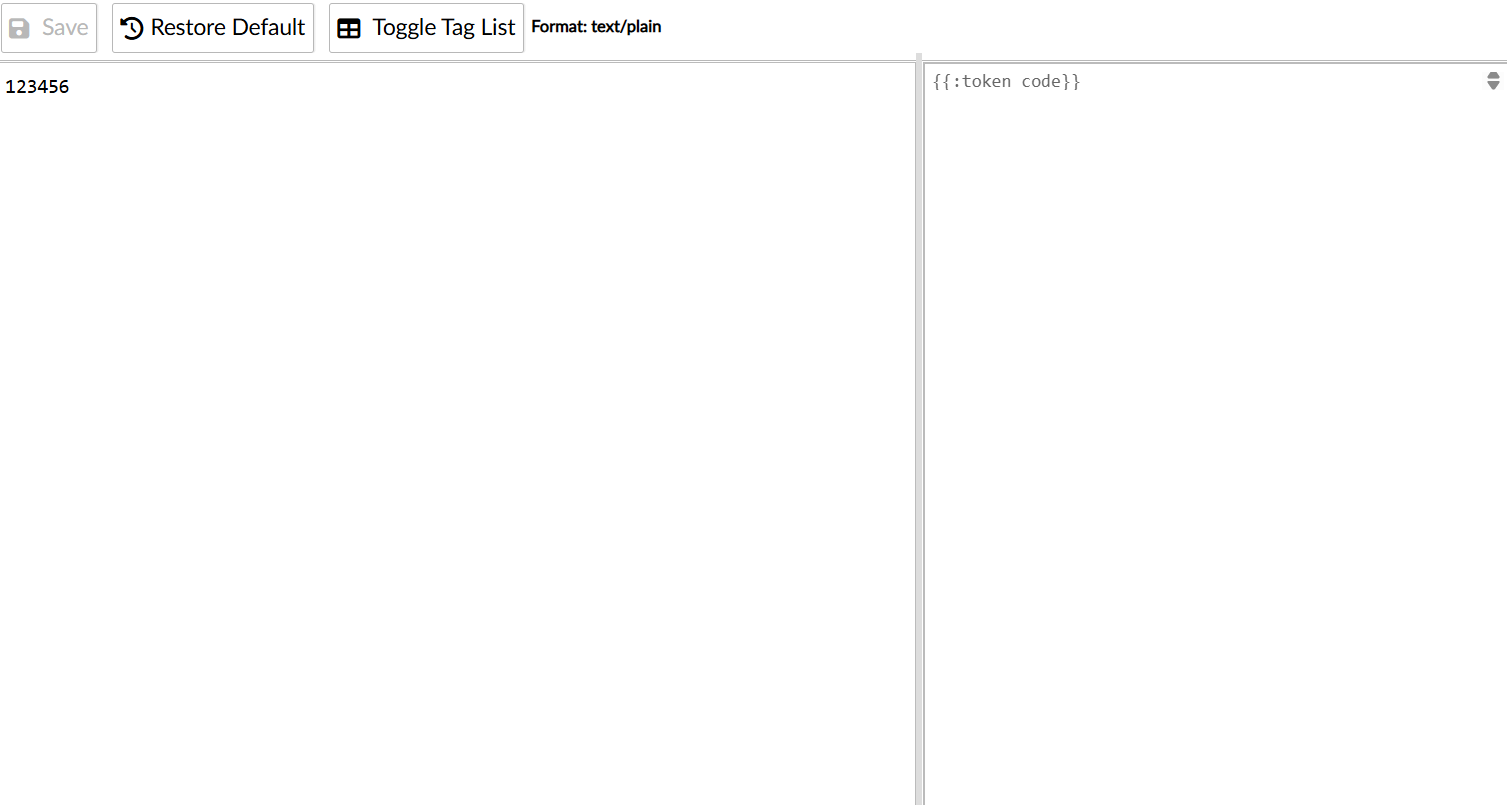
Example configuration:
Plain Text
Your OTP login is {{:message}}. Valid for 3 minutes. Do not share the OTP.
Show more lines
Result:
Plain Text
Your OTP login is 123456. Valid for 3 minutes. Do not share the OTP.
Show more lines
The {{:message}} variable is replaced with the generated OTP, allowing the user to receive the authentication code in the SMS message.
Plain Text
Your OTP login is FAC_FQDN. Valid for 3 minutes. Do not share the OTP.
Note: When using the Test Settings option, the test message will not contain an OTP code because FortiAuthenticator does not generate a token during the test process.
As a result, the message will contain the test value instead of an actual authentication code. To verify OTP delivery with a generated token code, perform a real authentication request rather than using Test Settings.
Related documents:
|