


Technical Tip: How to check upgrade path and upgrade details of FortiManager, FortiAnalyzer
Description
This article describes how before upgrading the device to any version, the recommended upgrade path should be followed, and this document provides details on how to check the upgrade path for FortiManager and FortiAnalyzer.
Additionally, prioritize upgrading to the recommended release: Technical Tip: Recommended Release for FortiManager and FortiAnalyzer.
Scope
FortiManager, FortiAnalyzer.
Solution
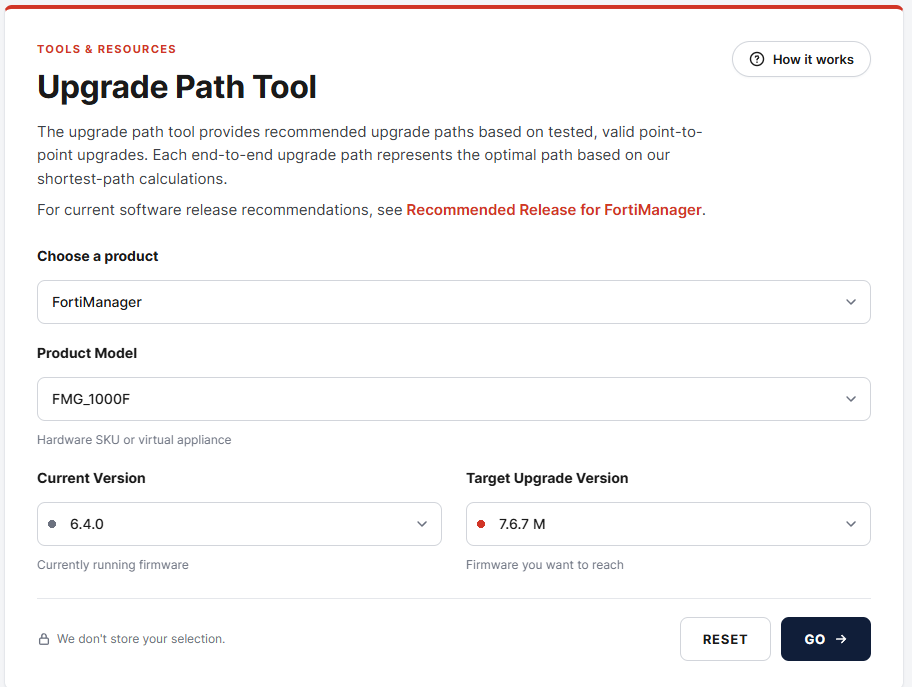
It is now possible to connect directly to the Upgrade Path Tool table.
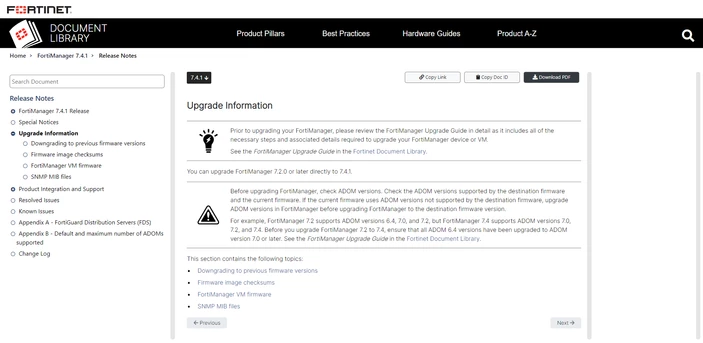
It is possible to then check the (Upgrade Information) for the version planned for upgrade. In the example below, check the upgrade information for FortiManager v7.4.1 and see the upgrade path details.
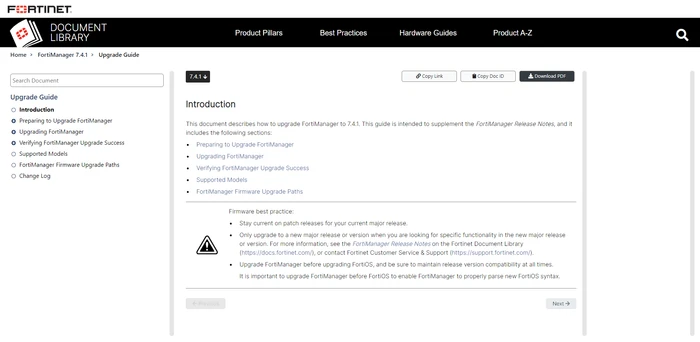
After that, it is necessary to follow the related Upgrade Guide Introduction.
See the FortiOS Compatibility Tool.
Follow the same procedure to check the upgrade path for FortiAnalyzer: Upgrade Path Tool Table.
Related articles:
