


Technical Tip: How to add a Model FortiGate in FortiAnalyzer using the API
Description
This article describes how a FortiGate device can be added as Model device on FortiAnalyzer using the API.
Scope
FortiAnalyzer / FortiAnalyzer-VM.
Solution
Model device support for central logging on FortiAnalyzer has been implemented as of FortiAnalyzer version 7.0.
See Model device support for central logging for instructions on how to add from the GUI directly.
Use the following API call to add a Model FortiGate device on FortiAnalyzer:
"method": "exec",
"params": [
{
"data": {
"add-dev-list": [
{
"name": "FortiGate",
"platform_str": "FortiGate-VM64-KVM",
"device action": "add_model",
"os_ver": 7,
"mr": 4,
"mgmt_mode": 3,
"sn": "FGVM01TM00000000",
"adm_usr": "admin",
"faz.perm": 15,
}
],
"adom": "root"
},
"url": "/dvm/cmd/add/dev-list"
}
],
"session": "xxxxxxxxxxxxxx",
"id": 1
}
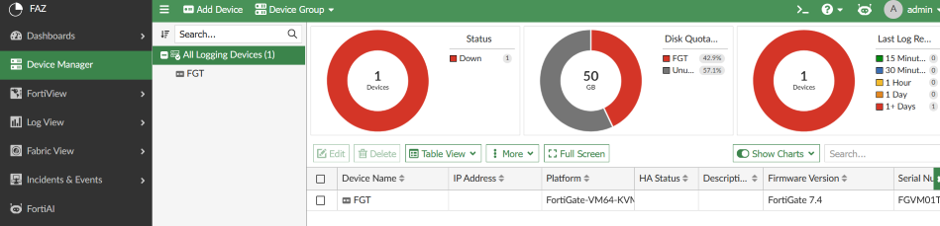
Once the API call is sent, FortiAnalyzer will add the entry in GUI under Device Manager, but it will show as Down.
FortiAnalyzer GUI:
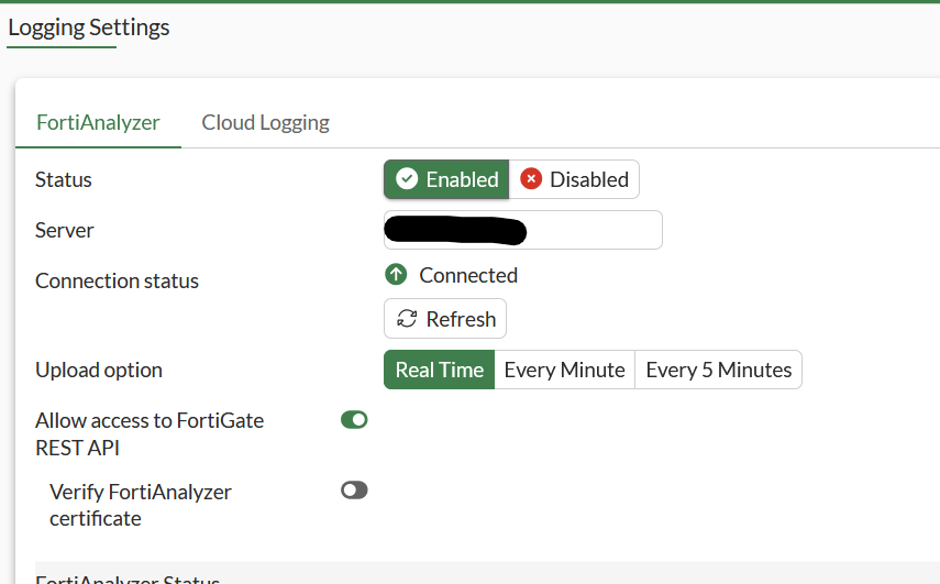
Configure the FortiGate with the FortiAnalyzer IP to let the FortiGate connect and come online on FortiAnalyzer.
FortiGate GUI:
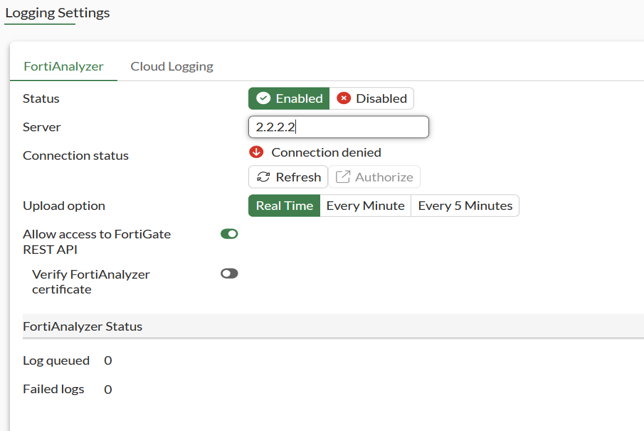
An example scenario without 'faz.perm:15' configured in API:
A common issue which may arise is the FortiGate device entry showing as UP/Online on FortiAnalyzer while showing on FortiGate 'Connection denied' or 'Connection: deny (Configuration is denied)'.
In the FortiAnalyzer CLI, the permission shows as 'n':

As a result, the API request requires the field “faz.perm”:15 to ensure this feature works as expected.
