Technical Tip: How to stop FortiADC WAF from showing Alert log in the respective Security Log
| Description | This article describes how to stop FortiADC WAF from showing Alert log in the respective Security Log. |
| Scope | FortiADC and FortADC-VM. |
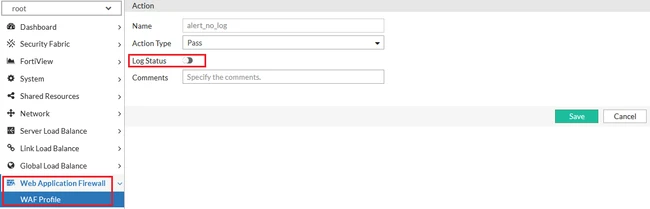
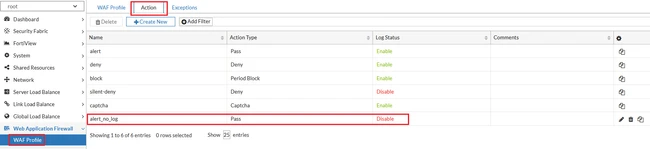
| Solution | Step 1: Go to Web Application Firewall -> WAF Profile -> Action (tab). Step 2: Create or clone a new Action.
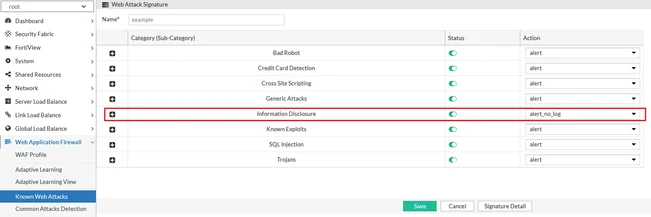
Note: No log will be recorded when the respective WAF protection is triggered while the Action is configured to the above Action.
Related documents: |